

Autograd
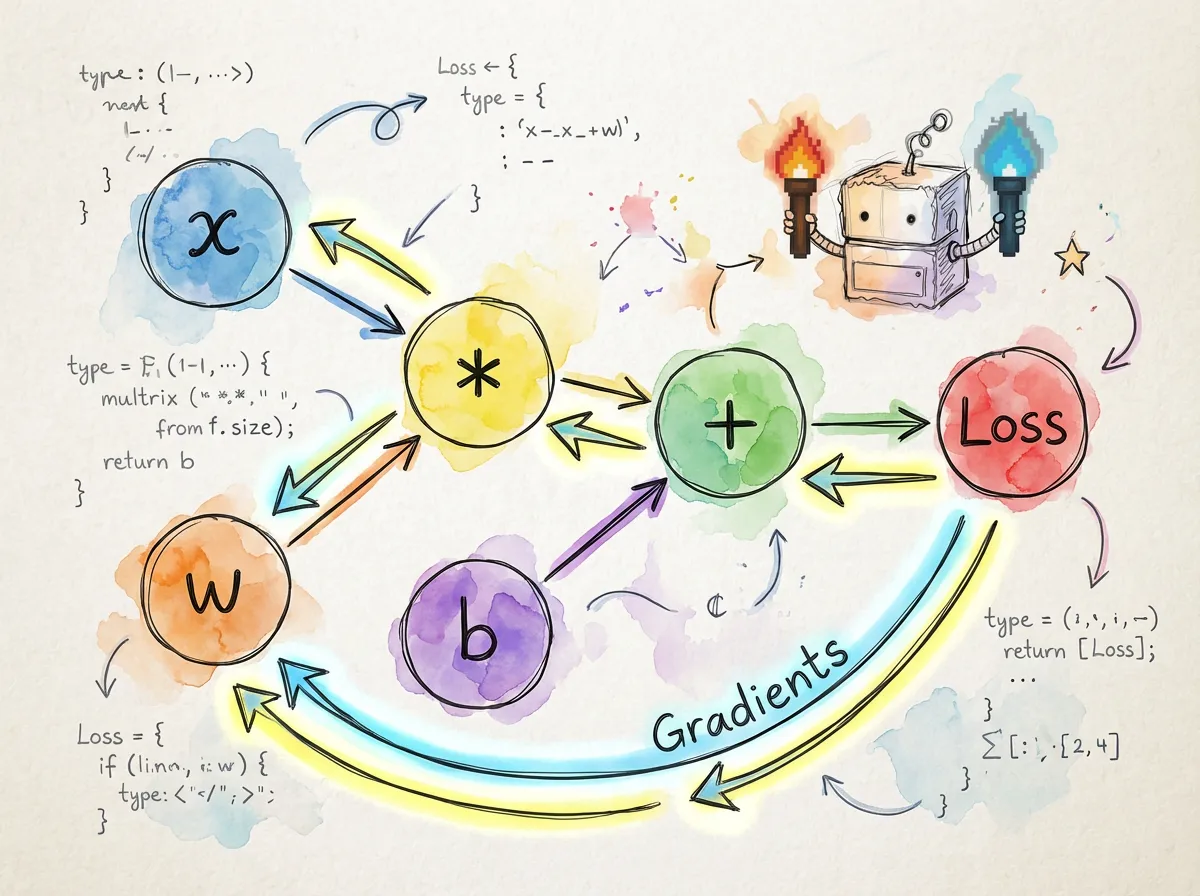
torch.js features a robust automatic differentiation engine. It records every operation performed on your tensors, building a directed acyclic graph (DAG) that allows you to compute gradients for any variable with a single function call.
Basic Usage
To track gradients for a tensor, set requires_grad: true during creation.
import torch from '@torchjsorg/torch.js';

const x = torch.tensor(
  [
    [1, 2],
    [3, 4],
  ],
  { requires_grad: true }
);
const w = torch.randn(2, 2, { requires_grad: true });

// Forward pass: operations are recorded in the graph
const y = torch.matmul(x, w);
const loss = y.sum();

// Backward pass: gradients are computed via the chain rule
loss.backward();

console.log(w.grad); // Gradient dLoss/dw
console.log(x.grad); // Gradient dLoss/dx
Leaf vs. Non-Leaf Tensors
Understanding which tensors store gradients is key to managing memory and performance.
| Property | Leaf Tensor | Non-Leaf (Result) |
|---|---|---|
| Definition | Created directly by user | Result of an operation |
| Accumulates Grad | Yes (into .grad) | No (by default) |
| Requires Grad | Explicitly set | Inherited from inputs |
| Example | torch.randn(2, 3) | x.add(y) |
const a = torch.randn(3, 3, { requires_grad: true }); // Leaf
const b = a.mul(2); // Non-leaf (Result)
const c = b.sum();

c.backward();

console.log(a.grad); // Has gradients
console.log(b.grad); // undefined (intermediate results are discarded)
Gradient Accumulation: Gradients are added to .grad rather than replaced. Always call
optimizer.zero_grad() or manually set tensor.grad = null between training steps.
Context Managers
torch.no_grad()
Disable gradient tracking during inference or validation. This significantly reduces memory usage and speeds up computation.
const model = loadModel();
const input = torch.randn(1, 3, 224, 224);

// Efficient: No computation graph is built
const predictions = torch.no_grad(() => {
  return model.forward(input);
});
torch.inference_mode()
A stricter version of no_grad that offers even more optimizations. Tensors created inside this block cannot be used in autograd operations later.
torch.inference_mode(() => {
  const result = model(input); // Peak performance
});
Tensor Hooks
Hooks allow you to inspect or modify gradients as they flow through the graph. This is useful for debugging or implementing techniques like gradient clipping.
const x = torch.randn(3, 3, { requires_grad: true });

// Register a hook to log gradients
x.register_hook((grad) => {
  console.log('Gradient flowing through x:', grad);
  return grad; // You can return a modified gradient here
});

const y = x.mul(10).sum();
y.backward();Next Steps
- Best Practices - Learn about memory management during training.
- PyTorch Migration - Side-by-side syntax comparison.