

Migrating from PyTorch to torch.js
torch.js is designed to be familiar to PyTorch users. Most code translates directly, but there are key differences to understand about the JavaScript environment and GPU execution model.
API Compatibility
Most operations use the same names and argument order as PyTorch. However, because JavaScript doesn't support operator overloading, some syntax changes are required.
| Feature | PyTorch (Python) | torch.js (TypeScript) |
|---|---|---|
| Addition | x + y | x.add(y) |
| In-place Add | x.add_(y) | x.add_(y) |
| Multiplication | x * y | x.mul(y) |
| Matrix Multiply | x @ y | torch.matmul(x, y) |
| Indexing | x[0, 1:5] | x.at(0, [1, 5]) |
Basic Tensor Operations
PyTorch code logic works almost identically in torch.js:
import torch from '@torchjsorg/torch.js';

const x = torch.randn(2, 3);
const y = torch.zeros(2, 3);
const z = x.add(y); // element-wise add
const result = z.sum(); // reduction to scalar
Key Differences
1. GPU Data Readback is Async
This is the biggest practical difference. In PyTorch, print(x) shows the values immediately. In torch.js, computation happens on the GPU and fetching the result to JavaScript memory is an asynchronous operation.
const x = torch.tensor([1, 2, 3]);

// Fetching data from GPU memory requires an await
console.log(await x.toArray()); // [1, 2, 3]
console.log(await x.sum().item()); // 6
Performance Rule: Keep data on the GPU as long as possible. Only call toArray(), tolist(),
or item() when you need to use the numbers in your JavaScript logic or UI. See Data Readback
Methods for details.
2. Method Chaining vs Operators
Since JavaScript lacks operator overloading (no +, -, * for objects), torch.js relies on method chaining.
// PyTorch: (x + y) * z
// torch.js:
const result = x.add(y).mul(z);
3. In-Place Operations
torch.js supports in-place operations using the underscore suffix (e.g., add_, mul_), matching PyTorch convention. These modify the underlying GPU buffer directly.
const x = torch.ones(2, 2);
x.add_(1); // x is now all 2s
Autograd Caution: Like in PyTorch, in-place operations can occasionally interfere with gradient computation if the modified tensor was needed for the backward pass.
4. Named Arguments (Options Object)
PyTorch uses keyword arguments (**kwargs) for optional parameters. Since JavaScript doesn’t support named arguments, torch.js uses an Options Object as the final argument.
// PyTorch
// torch.randn(2, 3, requires_grad=True, dtype=torch.float32)

// torch.js
const x = torch.randn(2, 3, {
  requires_grad: true,
  dtype: 'float32',
});
This pattern is used consistently across creation ops and neural network modules:
// Initializing a layer with optional parameters
const layer = new torch.nn.Linear(128, 64, { bias: false });
Flexible Calling Conventions
torch.js provides full overload chains so you can swap in an options object at any position where optional parameters begin. This gives you PyTorch-like flexibility:
// All of these are equivalent ways to call sum():

// Positional arguments only
torch.sum(x, 1, true);

// Options object at the end
torch.sum(x, 1, { keepdim: true });

// Options object earlier (skipping positional dim)
torch.sum(x, { dim: 1, keepdim: true });

// Just the tensor (reduce all dimensions)
torch.sum(x);
This pattern applies to most functions with optional parameters:
// Reduction operations
torch.mean(x, { dim: 0, keepdim: true });
torch.std(x, 1, { correction: 0 });

// Neural network functions
torch.nn.functional.softmax(x, { dim: -1 });
torch.nn.functional.dropout(x, { p: 0.5, training: true });

// Linear algebra
torch.linalg.solve(A, B, { left: false });
5. Data Readback Methods
torch.js provides several methods for reading tensor data back from the GPU to JavaScript. Since GPU readback is asynchronous, all these methods return Promises.
| Method | Returns | Description |
|---|---|---|
| toArray() | Promise<number[]> | Flat 1D array of all values |
| tolist() | Promise<any> | Nested arrays matching tensor shape |
| item() | Promise<number> | Single scalar value (for 0D or 1-element tensors) |
const x = torch.tensor([
  [1, 2, 3],
  [4, 5, 6],
]);

// Flat array (row-major order)
await x.toArray(); // [1, 2, 3, 4, 5, 6]

// Nested array matching shape
await x.tolist(); // [[1, 2, 3], [4, 5, 6]]

// Single value (for scalars)
const scalar = torch.tensor(42);
await scalar.item(); // 42
tolist() is the PyTorch-compatible name. torch.js also provides toNestedArray() as an alias
with the same behavior.
Type Safety: A PyTorch Advantage
In PyTorch, a shape mismatch is a runtime crash. In torch.js, it’s a red squiggle in your IDE.
// PyTorch - crashes at runtime
// x = torch.zeros(2, 3);
// y = torch.zeros(5, 5);
// z = torch.matmul(x, y); // RuntimeError

// torch.js - compile error (never runs)
const x = torch.zeros(2, 3); // Tensor<[2, 3]>;
const y = torch.zeros(5, 5); // Tensor<[5, 5]>;
const z = torch.matmul(x, y); // 'Type Error: dimension mismatch';
Model Interchange
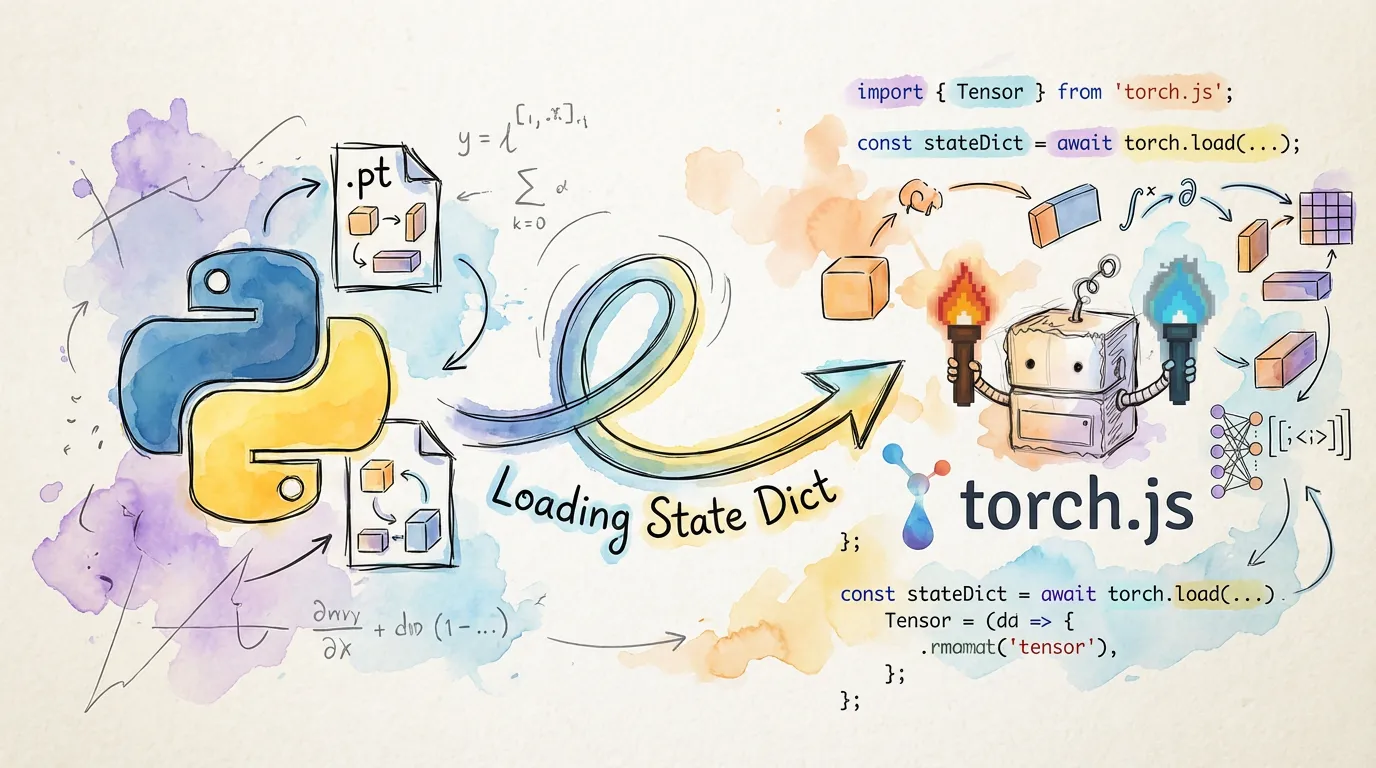
One of torch.js’s best features is its compatibility with PyTorch model files (.pt and safetensors).
Train in PyTorch, Infer in torch.js
You can train your model in a heavy-duty Python environment and then export the weights for use in a browser application.
// Define identical architecture in torch.js
const model = torch.nn.Sequential(
  torch.nn.Linear(784, 128),
  torch.nn.ReLU(),
  torch.nn.Linear(128, 10)
);

// Load weights from PyTorch .pt file
const weights = await torch.load('model_weights.pt');
model.load_state_dict(weights);

// Run inference in the browser
const output = model.forward(input);
Comparison Summary
| Aspect | PyTorch | torch.js |
|---|---|---|
| Language | Python | TypeScript / JavaScript |
| Device | CPU / CUDA / MPS | CPU / WebGPU |
| In-place ops | Supported (add_) | Supported (add_) |
| Data Readback | Synchronous | Asynchronous (await) |
| Types | Dynamic | Strictly Typed Shapes |
Next Steps
- Best Practices - Learn how to write performant WebGPU code.
- Autograd - Deep dive into training neural networks.
- API Reference - Full list of supported functions.