

torch.js
torch.js brings GPU-accelerated machine learning to JavaScript with a PyTorch-compatible API and advanced TypeScript support. All tensor operations run on WebGPU, delivering near-native performance directly in your browser or Node.js server.
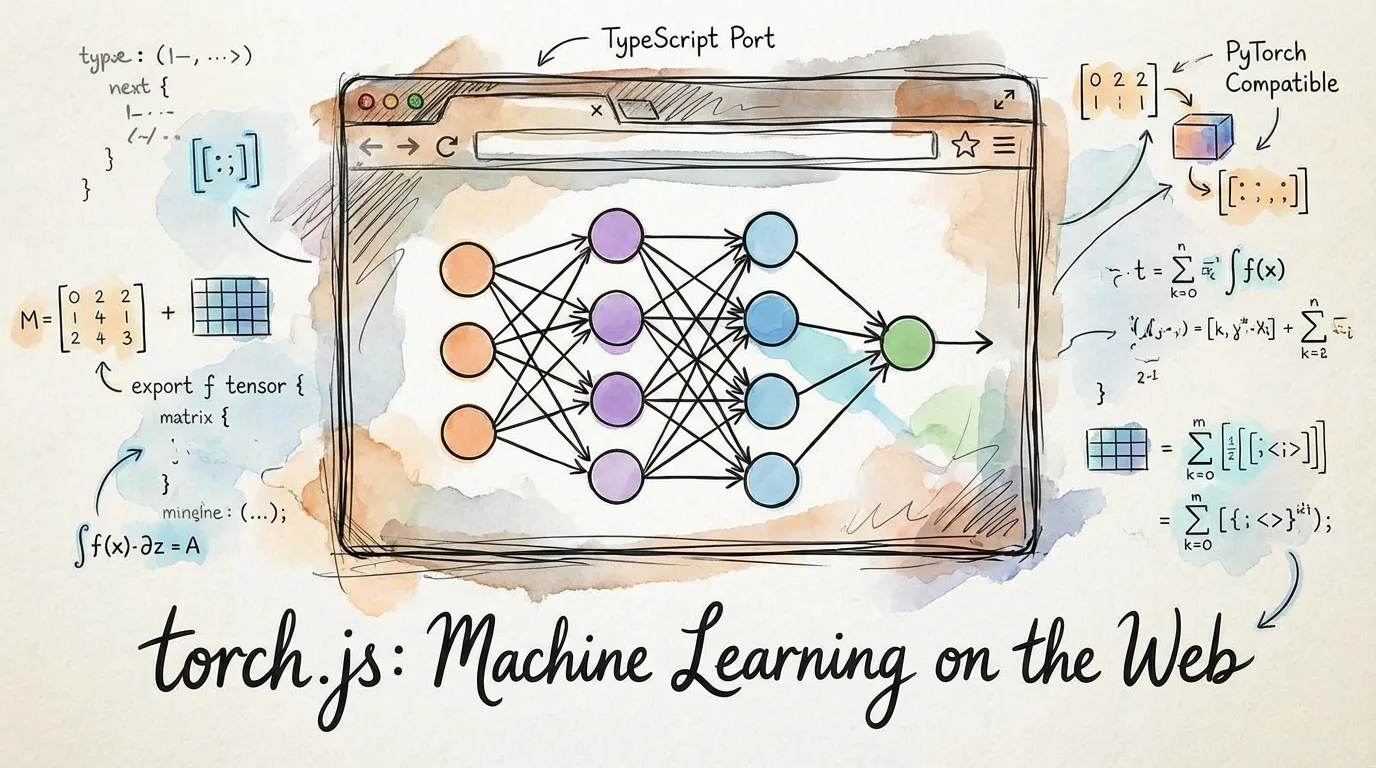
Why JavaScript for ML?
If you're used to PyTorch or TensorFlow, you might wonder why you'd leave Python. Here's what JavaScript and the browser enable:
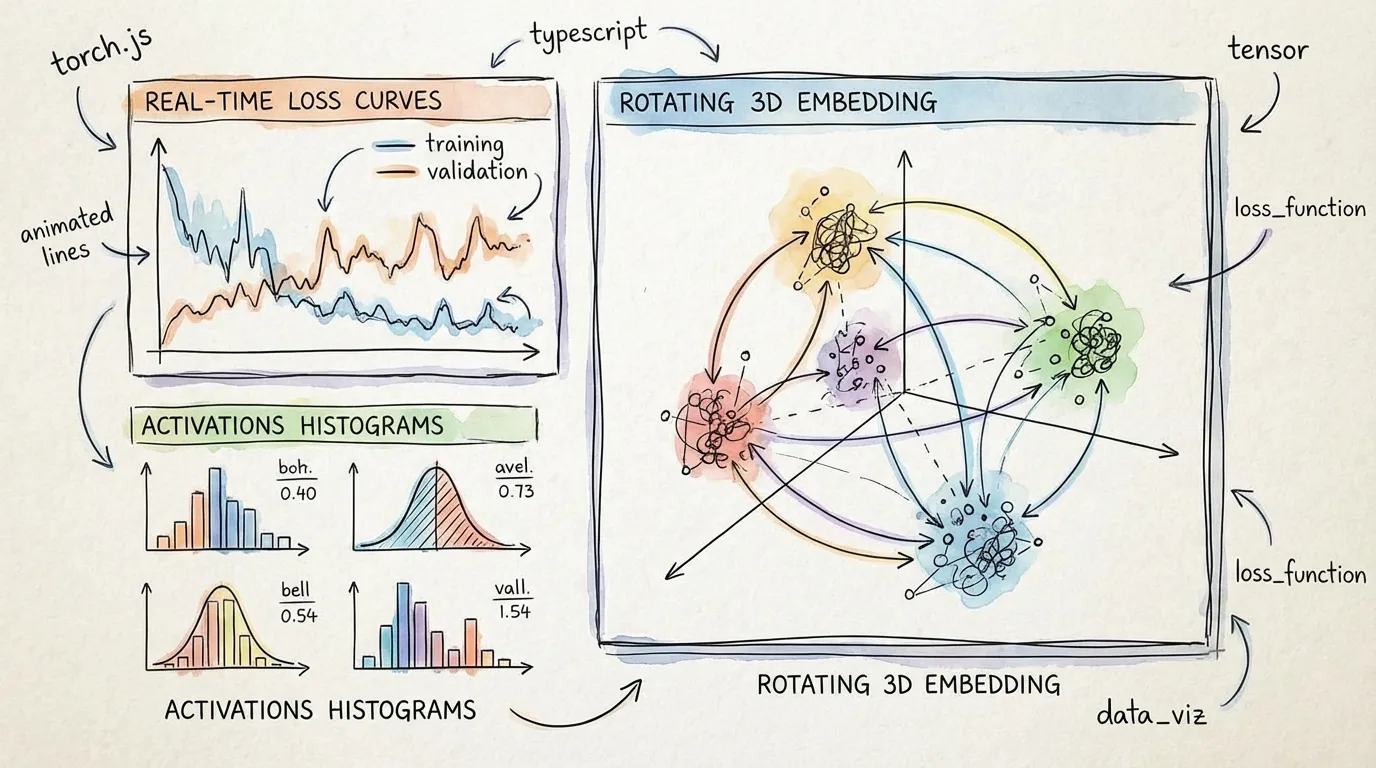
Interactive Visualization
Train models and watch metrics update in real-time as they train. Visualize activations, embeddings, or model predictions live—no Jupyter notebook required. Adjust hyperparameters mid-training and see the results immediately.
Type-Safe Development
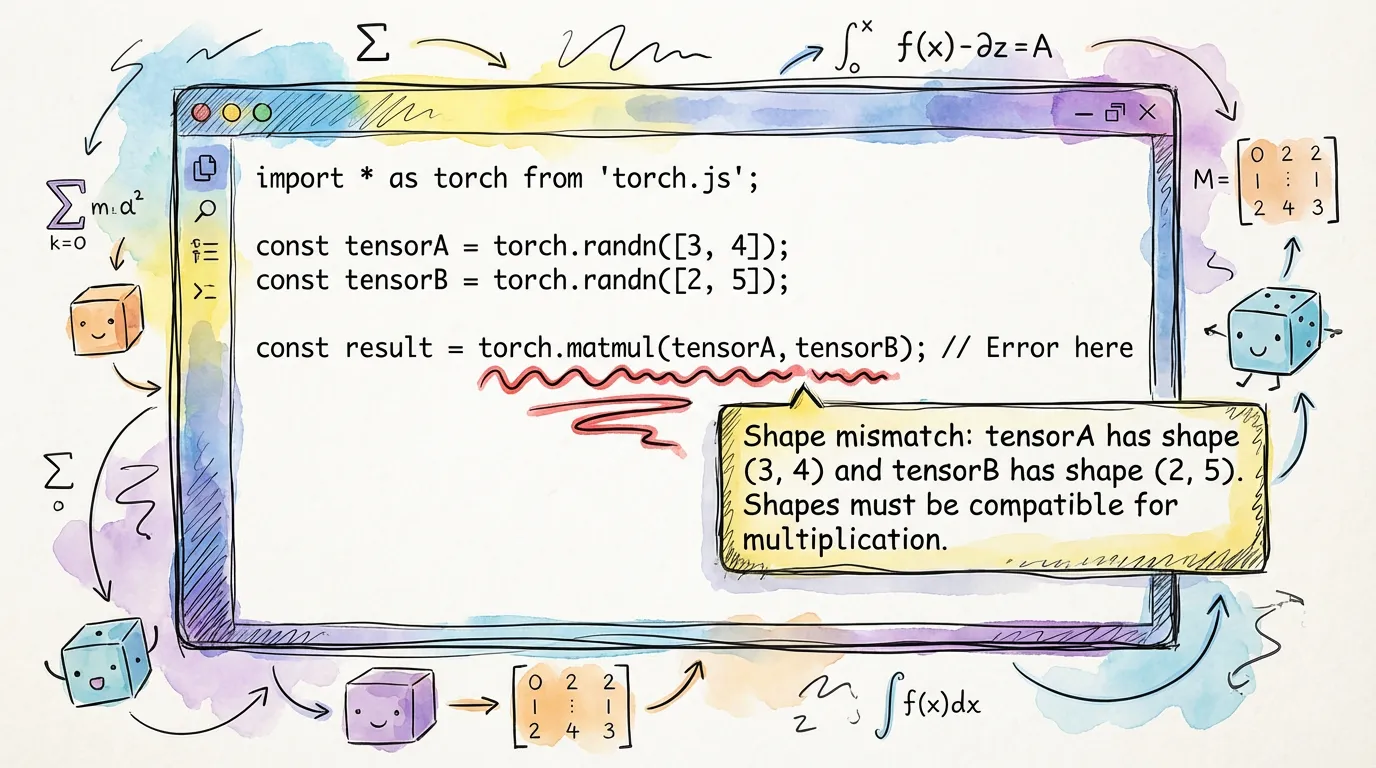
TypeScript catches entire categories of bugs at compile time that would only surface at runtime in Python. Shape mismatches, dimension errors, dtype incompatibilities—all prevented before you run the code.
Shareable Results
Send interactive demos to collaborators, clients, or the internet. No installation, no environment setup—just a link. Training happens in their browser with full visualization.
Embedded Intelligence
Add ML directly to websites or web applications. Run inference in the browser for privacy (data never leaves the user's device) or deploy to servers without Python infrastructure.
Model Interpretability
The browser's visualization capabilities make model behavior transparent. Visualize attention patterns, embedding spaces, activation distributions, and decision boundaries interactively.
torch.js vs PyTorch: When to Use Each
PyTorch optimizes for raw speed and scale. torch.js optimizes for visibility, safety, and sharing.
| Feature | torch.js | PyTorch |
|---|---|---|
| Platform | Browser, Node.js | Python |
| GPU Backend | WebGPU | CUDA, ROCm, MPS |
| Type Safety | Full (Compile-time) | Partial (Runtime only) |
| Visualization | Live (60fps) | Post-hoc (TensorBoard) |
| Environment | Zero-install (Browser) | Complex (Conda/Pip/Drivers) |
| Performance | Good (Near-native) | Extreme (Optimized CUDA) |
The key difference: Use PyTorch for massive models (billions of parameters) and heavy research. Use torch.js when you need transparency, immediate feedback, and easy deployment.
Installation
# For browser and React apps
npm install @torchjsorg/torch.js

# For Node.js (server-side WebGPU)
npm install @torchjsorg/torch-node
Basic Usage
import torch from '@torchjsorg/torch.js';

// Create tensors
const a = torch.tensor([
  [1, 2],
  [3, 4],
]); // 2x2 matrix
const b = torch.randn(2, 2); // random 2x2 matrix

// Operations
const c = a.add(b); // element-wise addition
const d = torch.matmul(a, b); // matrix multiplication

// Read values back to CPU
console.log(await d.toArray()); // GPU -> CPU readback
WebGPU Data Flow
All tensor operations run on the GPU via WebGPU compute shaders. Data stays on the GPU between operations—only call toArray() or item() when you need results on the CPU.
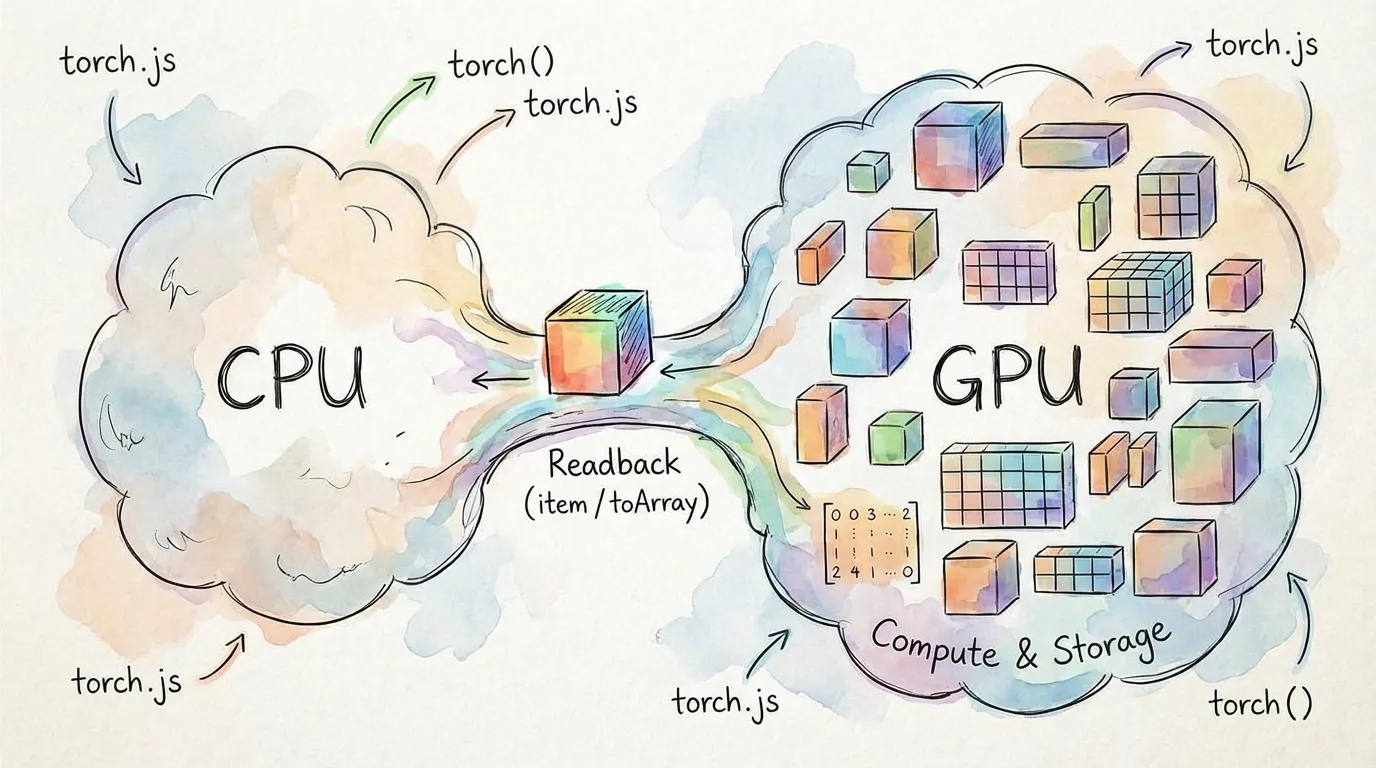
// These all run on the GPU; no CPU readback occurs
const x = torch.randn(1000, 1000); // [1000, 1000]
const y = x.matmul(x.t()); // matrix multiply
const z = y.relu(); // activation function

// This reads back to the CPU (expensive, avoid in hot loops)
const result = await z.toArray(); // explicit readback
Pro Tip: Minimizing GPU-to-CPU communication is the single most important factor for performance in torch.js.
TypeScript & Shape Tracking
In torch.js, tensor shapes are tracked at the type level. Shape mismatches become compile errors, not runtime crashes.
const a = torch.zeros(2, 3); // Tensor<[2, 3]>
const b = torch.zeros(3, 4); // Tensor<[3, 4]>
const c = torch.matmul(a, b); // Tensor<[2, 4]>
const d = torch.zeros(5, 5);
const e = torch.matmul(a, d); // Type Error: [3] and [5] don't match
Autograd
Automatic differentiation for training neural networks:
const x = torch.tensor(
  [
    [1, 2],
    [3, 4],
  ],
  { requires_grad: true }
);
const w = torch.randn(2, 2, { requires_grad: true });

const y = torch.matmul(x, w).sum(); // compute graph builds automatically
y.backward(); // backpropagate gradients

console.log(w.grad); // gradients are now available
Next Steps
- PyTorch Migration Guide - Side-by-side API comparisons
- Type Safety - Deep dive into compile-time checking
- Best Practices - Optimizing your WebGPU code
- Autograd - Building and training neural networks
- Tensor Indexing - Slicing with
.at()