

Best Practices for torch.js
Writing efficient ML code in the browser requires a shift in mindset from traditional CPU-bound JavaScript. Follow these patterns to get the most out of WebGPU and TypeScript.
1. The GPU-First Rule
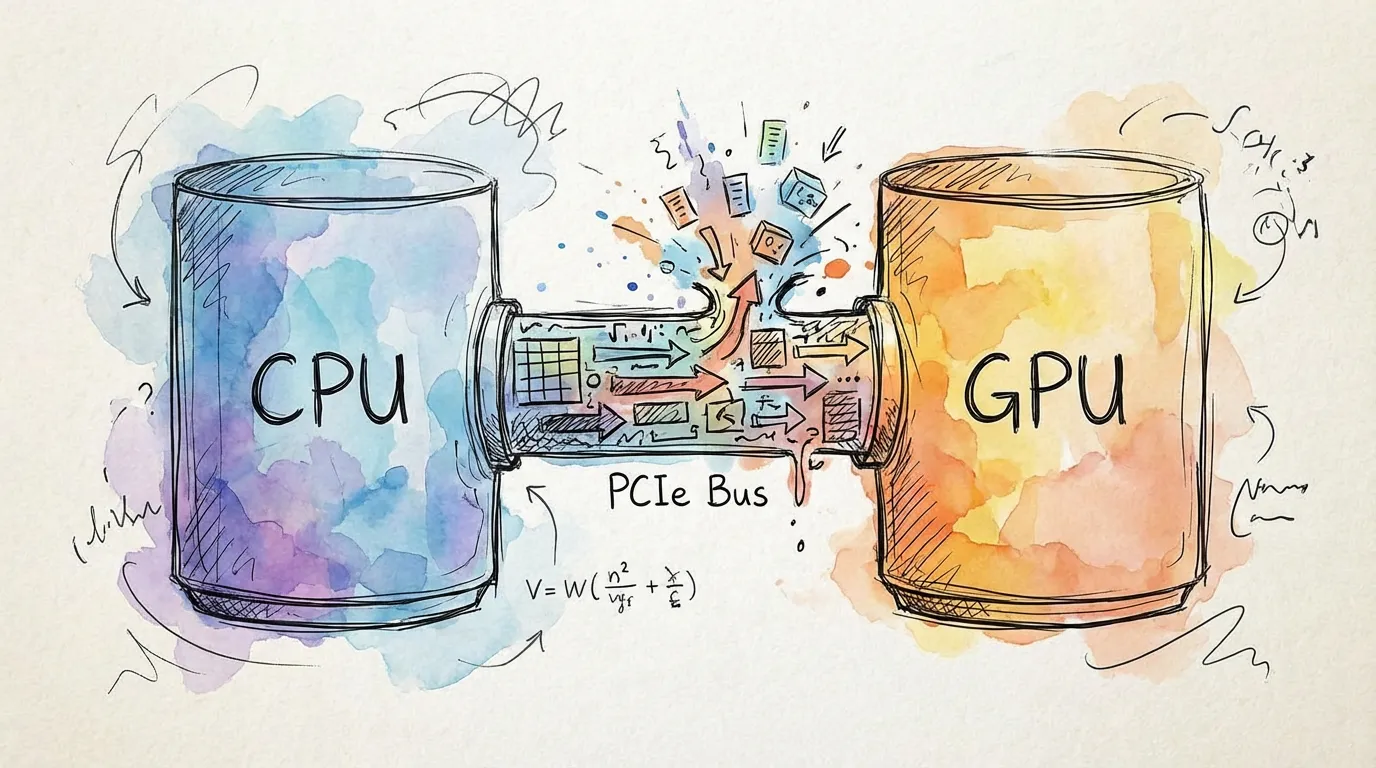
The most critical optimization is minimizing CPU-GPU transfers. In a WebGPU environment, the bottleneck is almost always the "bridge" between the processor and the graphics card.
// Good: All computation happens on the GPU
const x = torch.randn(1024, 1024);
const y = torch.randn(1024, 1024);
const z = torch.matmul(x, y);
const result = z.sum();
const scalar = await result.item(); // Single readback at the end

// Bad: Repeatedly moving data across the bridge
const x = torch.randn(1024, 1024);
const x_data = await x.toArray(); // GPU -> CPU (Slow!)
const y = torch.tensor(x_data); // CPU -> GPU (Slow!)
const z = torch.matmul(x, y);
Golden Rule: Keep your tensors on the GPU for as long as possible. Only use toArray() or
item() when you need to display results to the user or interface with non-torch libraries.
2. Automatic Cleanup with Scopes
Unlike standard JavaScript objects, GPU memory is not automatically garbage collected in real-time. Use torch.scope() to automatically destroy temporary tensors.
// Good: Scopes handle all intermediate tensors
torch.scope(() => {
  const t = torch.tensor(batch);
  const processed = model(t);
  const loss = criterion(processed, target);
  loss.backward();
  // t, processed, and all grad-temps are destroyed here automatically
});
If you do not use torch.scope() or call .delete() on transient tensors inside a loop, your
application will eventually crash with an "Out of Memory" error.
3. Leverage Batching
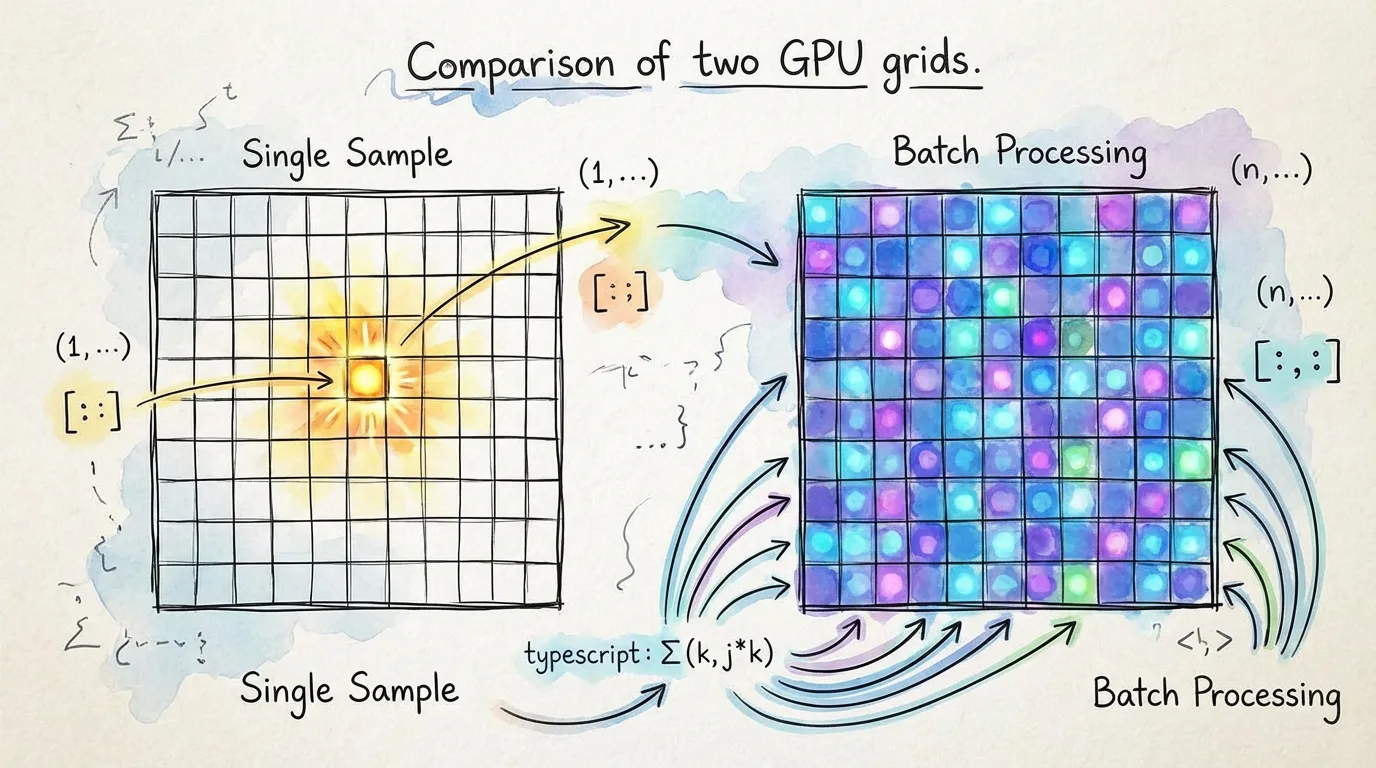
WebGPU compute shaders are massively parallel. Processing one sample at a time leaves 99% of your GPU's power idle. Always try to process data in batches.
// Inefficient: GPU sits idle between small tasks
for (const sample of dataset) {
  const output = model(sample); // GPU is under-utilized
  results.push(output);
}

// Efficient: GPU processes 32 samples in parallel
const batchSize = 32;
for (let i = 0; i < dataset.length; i += batchSize) {
  const batch = dataset.slice(i, i + batchSize);
  const outputs = model(batch); // Full GPU utilization
  results.push(outputs);
}
4. Use Inference Mode
When you don't need to train a model, disable gradient tracking. This reduces memory usage by up to 50% and speeds up computation.
// Efficient: No computation graph is built
const predictions = torch.no_grad(() => {
  return model(input);
});
Performance Checklist
| Action | Impact | Why? |
|---|---|---|
| No CPU Readback | Critical | Avoids the PCIe bottleneck |
| torch.scope() | Critical | Prevents VRAM leaks and OOMs |
| Batching (> 32) | High | Higher throughput (parallelism) |
| torch.no_grad() | Medium | Reduces memory and graph overhead |
5. Trust the Type System
Don't cast tensors to any. The shape tracking in torch.js is designed to find your bugs before you run them.
// Define your functions with shape constraints
function applyLayer<B extends number>(input: Tensor<[B, 784]>, weights: Tensor<[128, 784]>) {
  return input.matmul(weights.t()); // TS ensures shapes match
}
Next Steps
- Tensor Indexing - Master efficient slicing with
.at() - Profiling & Memory - Tools for monitoring GPU usage.
- Autograd - Training patterns and optimization