

Training a Model
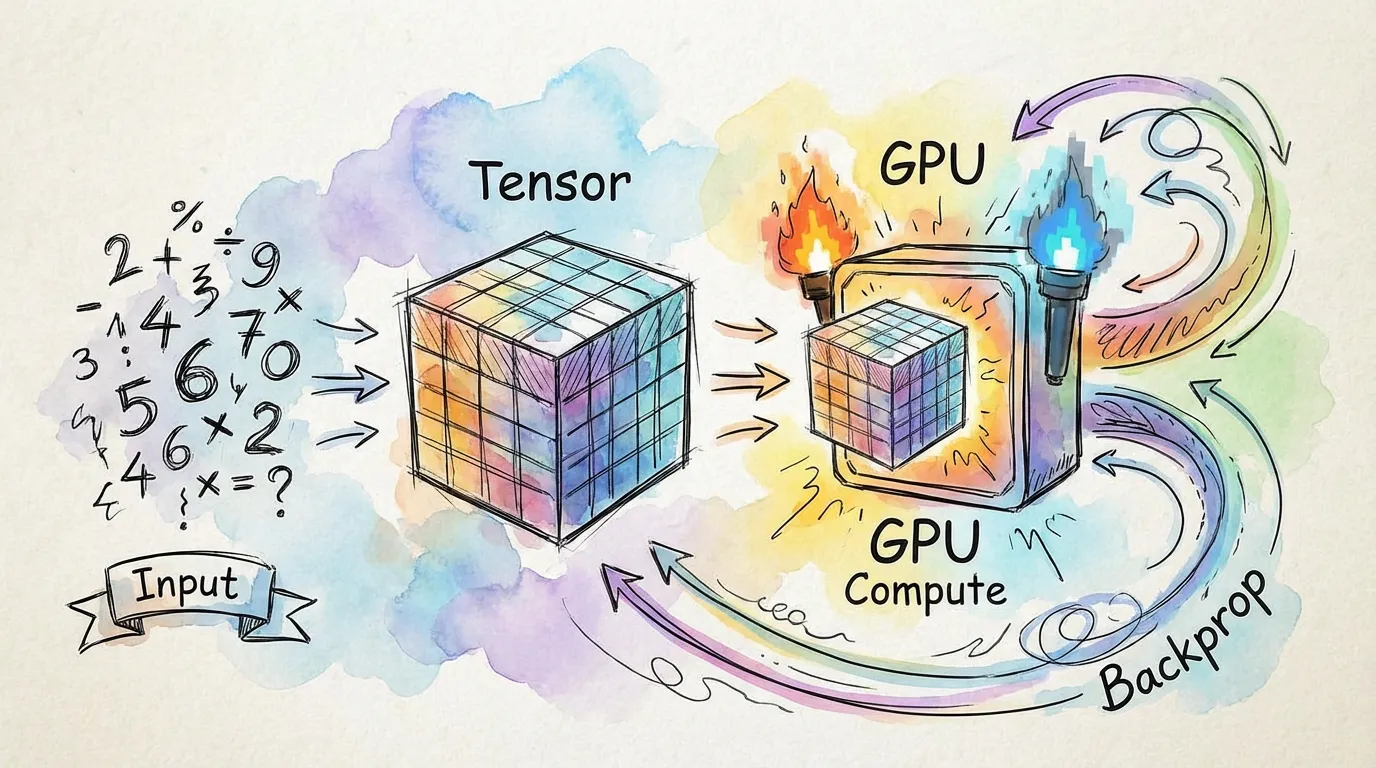
Training a neural network in torch.js follows the same fundamental pattern as PyTorch: defining a model, selecting a loss function, and iterating with an optimizer.
1. Defining the Architecture
You can build models using nn.Module for complex logic or nn.Sequential for simple stacks of layers.
import torch, { nn } from '@torchjsorg/torch.js';

// Using nn.Sequential for a simple MLP
const model = nn.Sequential(nn.Linear(784, 128), nn.ReLU(), nn.Linear(128, 10));
2. Loss Functions and Optimizers
Loss functions are located in torch.nn.functional, and optimizers are in torch.optim.
const criterion = torch.nn.functional.cross_entropy;
const optimizer = new torch.optim.Adam(model.parameters(), { lr: 1e-3 });
3. The Training Loop
The core training loop consists of four critical steps. Skipping any of these will lead to incorrect gradients or stale weights.
| Step | Action | Purpose |
|---|---|---|
| 1. Zero Grad | optimizer.zero_grad() | Clears previous gradients |
| 2. Forward | model.forward(input) | Computes predictions |
| 3. Backward | loss.backward() | Computes new gradients |
| 4. Step | optimizer.step() | Updates model weights |
async function trainStep(data: Tensor, target: Tensor) {
  // 1. Reset gradients
  optimizer.zero_grad();

  // 2. Forward pass
  const output = model.forward(data);
  const loss = criterion(output, target);

  // 3. Backward pass (Autograd builds the graph automatically)
  loss.backward();

  // 4. Update weights
  optimizer.step();

  return await loss.item(); // Read loss back to CPU for logging
}
4. Saving and Loading
Once training is complete, you can save the model's weights (the state_dict) to a file or browser storage.
// Save weights to a safetensors or .pt format
const weights = model.state_dict();
await torch.save(weights, 'my_model.safetensors');

// Load weights back into a model
const loadedWeights = await torch.load('my_model.safetensors');
model.load_state_dict(loadedWeights);
Training in the Browser: Since the browser main thread must remain responsive, consider using Spark to run your training loop in a Web Worker. See the Spark Introduction for more details.
Next Steps
- Autograd - Deep dive into how gradients are computed.
- Profiling & Memory - Optimizing your training performance.
- Best Practices - Tips for efficient WebGPU training.