

Runtime Environments
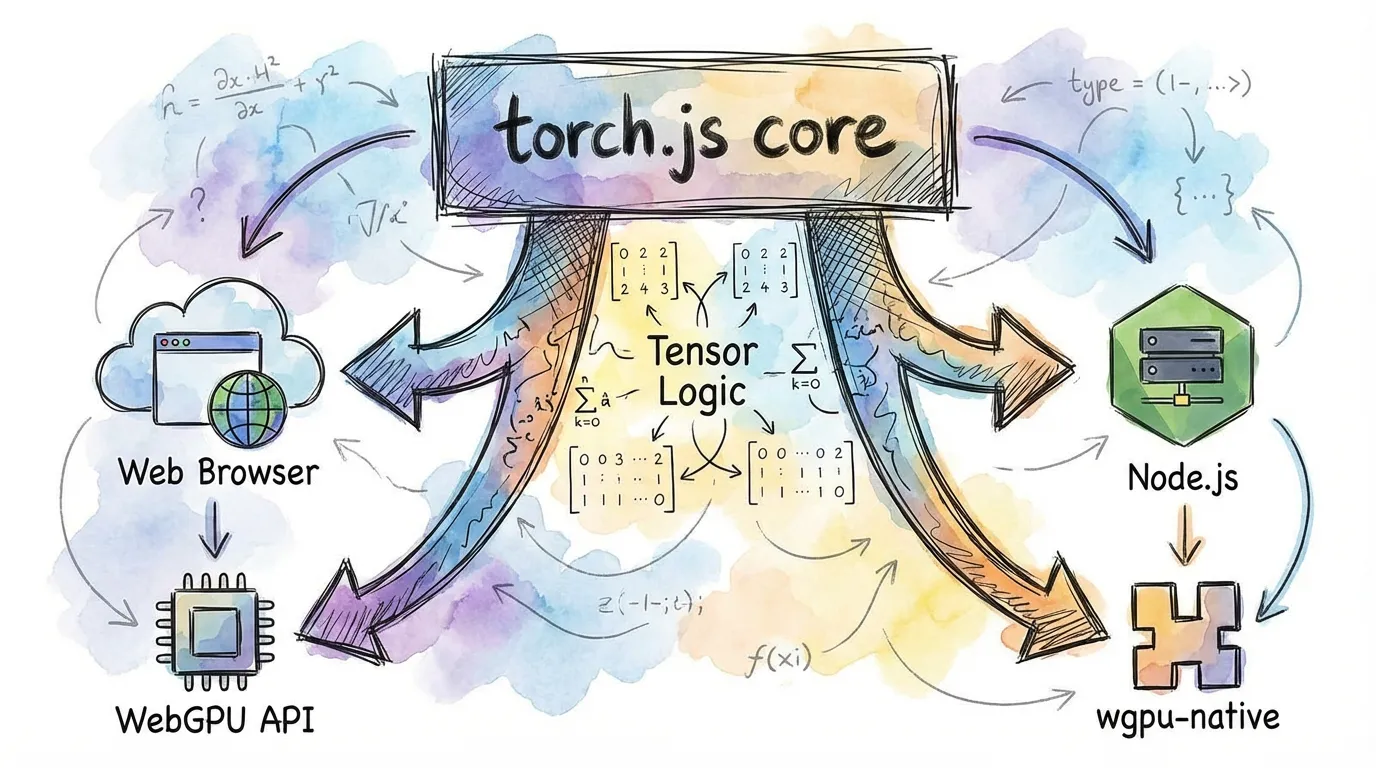
torch.js is a "universal" machine learning library. The exact same tensor code runs in modern web browsers and on servers via Node.js, with native GPU acceleration in both environments.
Overview
We provide two primary entry points depending on your environment.
| Runtime | Package | GPU Backend | Best For |
|---|---|---|---|
| Browser | @torchjsorg/torch.js | Browser WebGPU | Demos, Apps, Visualization |
| Node.js | @torchjsorg/torch-node | wgpu-native | Server-side, CLI, Dataset processing |
| Cloud | @torchjsorg/dawn | Google Dawn | Production Node.js, CI/CD |
1. Browser Environment
In the browser, torch.js leverages the device's GPU directly through the standard WebGPU API.
import torch from '@torchjsorg/torch.js';

async function run() {
  // Initialize the GPU
  await torch.init();

  const x = torch.randn(1024, 1024);
  console.log('Running on GPU:', x.device);
}
Fallback Support: If a user's browser doesn't support WebGPU, torch.js automatically falls back to a CPU-based implementation so your code doesn't crash.
2. Node.js Environment
For server-side use, we provide torch-node. This package bundles wgpu-native, allowing the same shaders used in the browser to run directly on your server's hardware (Vulkan, Metal, or DX12).
import torch from '@torchjsorg/torch-node'; // Use node-specific entry
import fs from 'fs/promises';

async function trainOnServer() {
  const model = createModel();
  const data = await fs.readFile('dataset.bin'); // Node-only: filesystem access

  // ... training loop ...
}
Code Sharing Patterns
Because the API is identical, you can write your model architecture once and use it everywhere.
// shared/model.ts
import type { Tensor } from '@torchjsorg/torch.js';
import torch from '@torchjsorg/torch.js';

export function MyModel() {
  return torch.nn.Sequential(torch.nn.Linear(784, 128), torch.nn.ReLU(), torch.nn.Linear(128, 10));
}
Feature Comparison
| Feature | Browser | Node.js |
|---|---|---|
| WebGPU Acceleration | Yes (Built-in) | Yes (wgpu-native) |
| Filesystem Access | No (Use Fetch/IDB) | Yes (Full FS access) |
| Headless Support | No (Needs Window) | Yes (Server/CLI friendly) |
| Performance | Good | Excellent (No browser overhead) |
| Installation | Zero-install for user | Requires npm install |
Next Steps
- Performance Guide - Benchmarking torch.js across runtimes.
- PyTorch Migration Guide - Side-by-side syntax comparison.