

Performance Guide
torch.js is built for high-performance machine learning on the web. While it won't beat a dedicated CUDA-optimized cluster for massive training jobs, it offers near-native performance for a wide range of browser and server-side tasks.
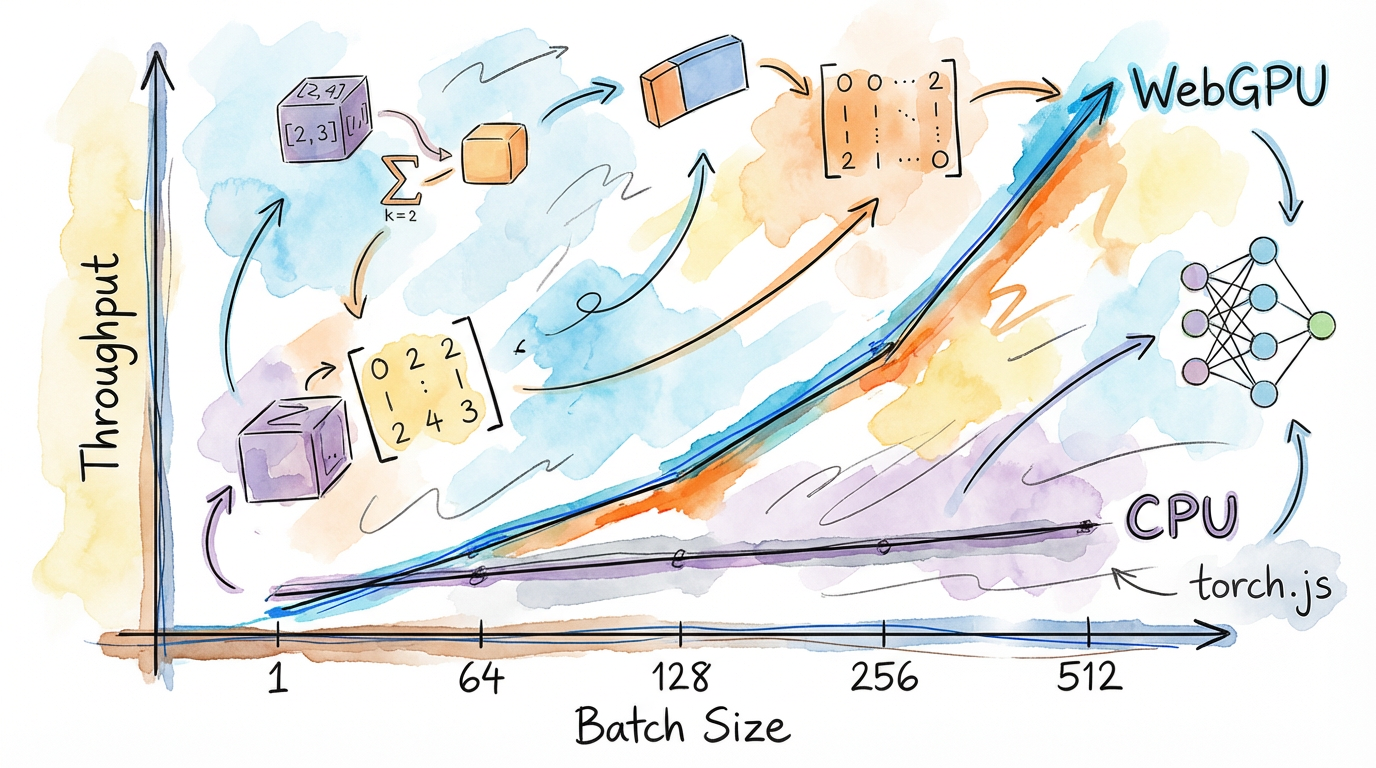
The WebGPU Advantage
By using WebGPU compute shaders, torch.js can perform thousands of operations in parallel. However, reaching peak performance requires understanding how the GPU pipeline works.
| Backend | Typical Latency | Best For |
|---|---|---|
| CPU Fallback | 100ms - 500ms | Small tensors, Debugging |
| WebGPU (Browser) | 5ms - 20ms | Interactive apps, Real-time Viz |
| Node.js (wgpu) | 2ms - 15ms | Batch processing, Backend API |
| CUDA (PyTorch Native) | 0.5ms - 2ms | Heavy-duty training |
1. Eliminate Pipeline Stalls
The most common performance killer is the GPU Stall. This happens when the CPU asks for data from the GPU (await item()) before the GPU has finished computing it.
// Bad: Stalls the GPU pipeline in every iteration
for (const batch of data) {
  const loss = model.forward(batch);
  console.log(await loss.item()); // CPU must wait for GPU (STALL!)
}

// Good: Computation remains async on the GPU
let totalLoss = torch.zeros([]);
for (const batch of data) {
  totalLoss = totalLoss.add(model.forward(batch));
}
console.log('Final Loss:', await totalLoss.item()); // Single stall at the very end
2. Amortize Overhead with Batching
Every GPU "dispatch" (running a shader) has a fixed overhead. Running 1,000 operations on small tensors is much slower than running 1 operation on a large tensor.
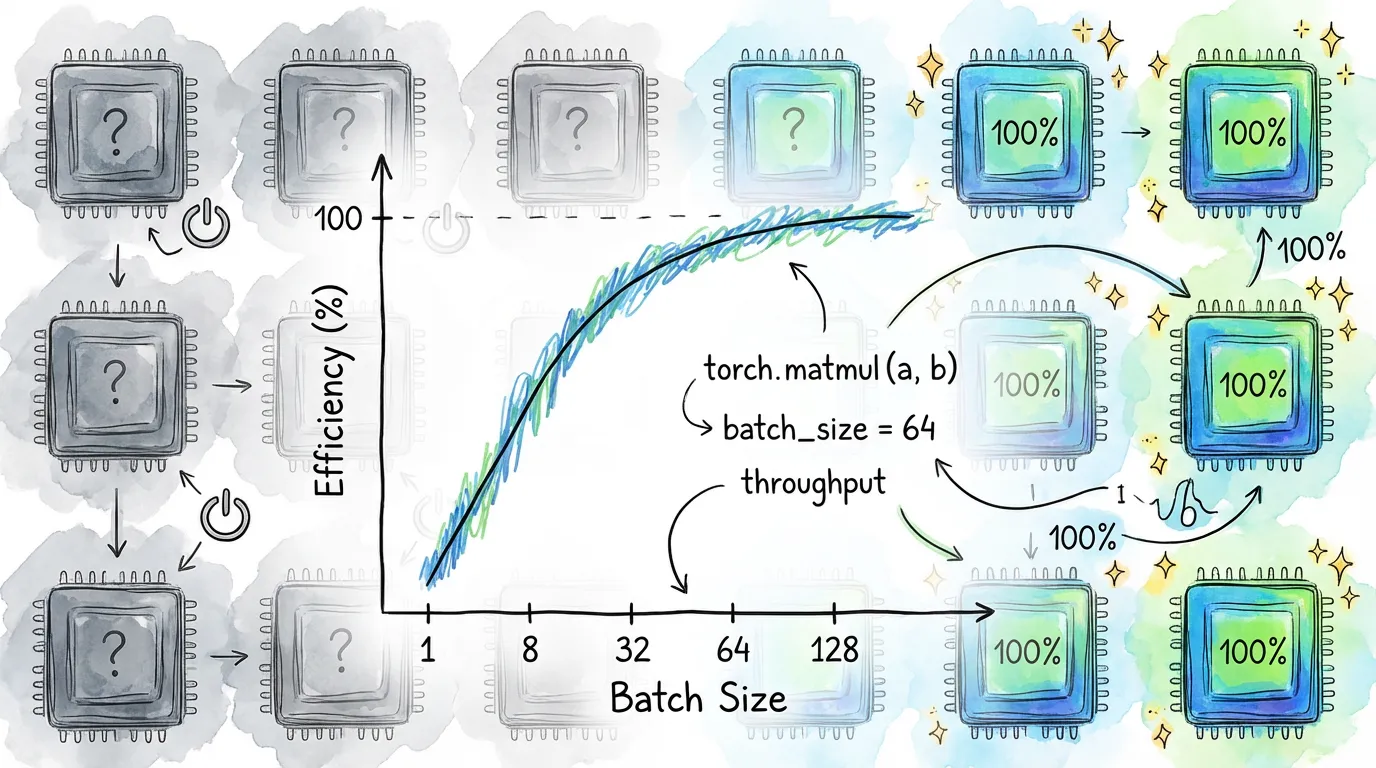
// Inefficient: 1000 individual dispatches
for (let i = 0; i < 1000; i++) {
  const result = torch.tensor([data[i]]).exp(); // 1000 dispatches
}

// Efficient: 1 single dispatch for all data
const result = torch.tensor(data).exp(); // 1 dispatch
3. Fused Kernels
torch.js automatically uses fused kernels for common patterns like add + ReLU. Instead of running two separate shaders, we combine them into one to save memory bandwidth.
Memory Bandwidth: In modern GPUs, moving data from GPU VRAM to the GPU Core is often slower than the actual math. Fused kernels keep data in the high-speed "L1/L2 cache" between operations.
Fusion Control
torch.js provides APIs to control fusion behavior:
// Check fusion stats
const stats = torch.webgpu.get_fusion_stats();
console.log(`Fusions: ${stats.fusions}, Bypasses: ${stats.bypasses}`);

// Disable for debugging
torch.webgpu.disable_fusion();

// Add custom patterns
torch.webgpu.add_fusion_pattern({
  ops: ['add', 'mul', 'sigmoid'],
  name: 'my_activation',
  description: 'Custom activation pattern'
});
See WebGPU Internals for full details.
4. Command Batching
torch.js automatically batches GPU commands together instead of submitting each one individually. This reduces driver overhead and improves throughput.
// Tune batch threshold for your use case
torch.webgpu.set_batch_threshold(128);  // Higher throughput
torch.webgpu.set_batch_threshold(16);   // Lower latency

// For debugging, disable batching
torch.webgpu.disable_batching();
The default threshold (64 commands) works well for most applications. Only tune this if you have specific latency or throughput requirements.
Performance Checklist
| Optimization | Level | Result |
|---|---|---|
| Keep data on GPU | Critical | Avoids the PCIe bottleneck |
| Tensor batching (> 32) | High | Higher throughput (parallelism) |
| Command batching | High | Reduced driver overhead |
| Op fusion | High | Reduced memory bandwidth |
| torch.no_grad() | Medium | Reduces memory overhead |
| Float32 DType | Medium | Standard GPU precision |
5. Hardware Acceleration
Performance is highly dependent on the user's hardware.
- Integrated GPUs (Intel/Apple M-series): High memory bandwidth between CPU/GPU, but fewer cores.
- Discrete GPUs (NVIDIA/AMD): Massive core count, but higher latency for data transfer across the PCIe bus.
Pro Tip: For Apple M-series chips, "Unified Memory" means CPU-GPU transfers are faster than on discrete NVIDIA cards, but keeping data on the GPU is still a best practice.
Next Steps
- WebGPU Internals - Full details on batching, fusion, and memory.
- Best Practices - High-level coding patterns.
- Runtimes - How performance differs between Browser and Node.js.