

Tensor Indexing
torch.js provides powerful indexing through the .at() method. Unlike standard JavaScript array indexing, .at() is fully type-aware and optimized for GPU memory layouts.
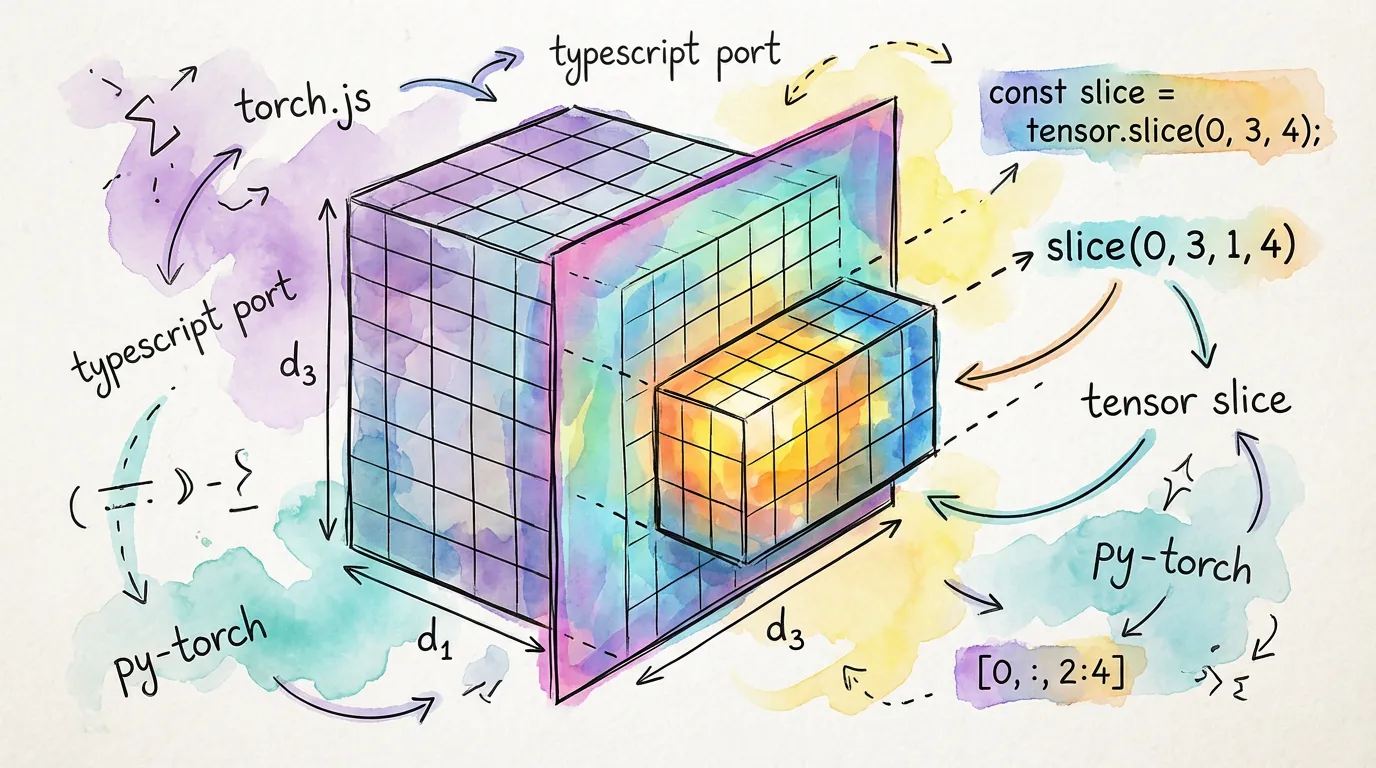
The .at() Method
The .at() method accepts one argument per dimension. Each argument defines how to select data along that axis.
| Type | Example | Result |
|---|---|---|
| Integer | x.at(0) | Selects index 0 (removes dimension) |
| Range | x.at([2, 5]) | Selects indices 2, 3, 4 (keeps dimension) |
| All (null) | x.at(null) | Keeps entire dimension unchanged |
| Ellipsis | x.at('...', 0) | Fills in all remaining middle dimensions |
Basic Element Access
Selecting a single element reduces the rank of the tensor.
import torch from '@torchjsorg/torch.js';

const x = torch.tensor([
  [1, 2, 3],
  [4, 5, 6],
]); // Shape: [2, 3]

// Access single element
const elem = x.at(0, 1); // Result: tensor(2), Shape: []
const value = await elem.item(); // 2

// Access a whole row
const row = x.at(1); // Result: tensor([4, 5, 6]), Shape: [3]
Slicing with Ranges
Ranges are defined as [start, end]. Like Python, the end index is exclusive.
const x = torch.arange(10); // [0, 1, 2, 3, 4, 5, 6, 7, 8, 9]

// Slice from index 2 to 5
const slice1 = x.at([2, 5]); // [2, 3, 4]

// Using negative indices to count from the end
const lastThree = x.at([-3, null]); // [7, 8, 9]

// Using a step size [start, end, step]
const everyOther = x.at([0, 10, 2]); // [0, 2, 4, 6, 8]
Type Safety: If you slice a tensor of shape [10] with at([0, 5]), the TypeScript type will correctly update to Tensor<[5]> at compile time!
Multi-dimensional Slicing
You can mix and match different indexing types for complex extractions.
const images = torch.randn(32, 3, 256, 256); // [batch, channels, h, w]

// Get all batches, only the Red channel (index 0)
const redChannel = images.at(null, 0); // Shape: [32, 256, 256]

// Get first 10 images, all channels, top-left 64x64 crop
const crop = images.at([0, 10], null, [0, 64], [0, 64]);
// Shape: [10, 3, 64, 64]
The Ellipsis
The ellipsis is used to skip dimensions when you only care about the last ones. It automatically expands to as many null values as needed.
const x = torch.randn(2, 3, 4, 5, 6);

// Select index 0 of the very last dimension
const lastDim = x.at('...', 0); // Equivalent to x.at(null, null, null, null, 0)
// Shape: [2, 3, 4, 5]Performance Notes
- Views vs Copies:
.at()returns a view of the original tensor whenever possible. This means no data is copied on the GPU, making slicing extremely fast. - Contiguity: Slicing across the first dimension is generally faster than slicing across internal dimensions due to memory layout.
- Async Readback: Remember that while
.at()is synchronous (it just creates a new view), accessing the values with.toArray()is always asynchronous.
Next Steps
- Type Safety - How
.at()preserves shape information. - Einops - A more readable way to rearrange and reshape tensors.