

Type-Safe Tensors
The defining feature of torch.js is its ability to track tensor shapes at the type level. This allows TypeScript to catch errors that would normally only surface as runtime crashes in Python.
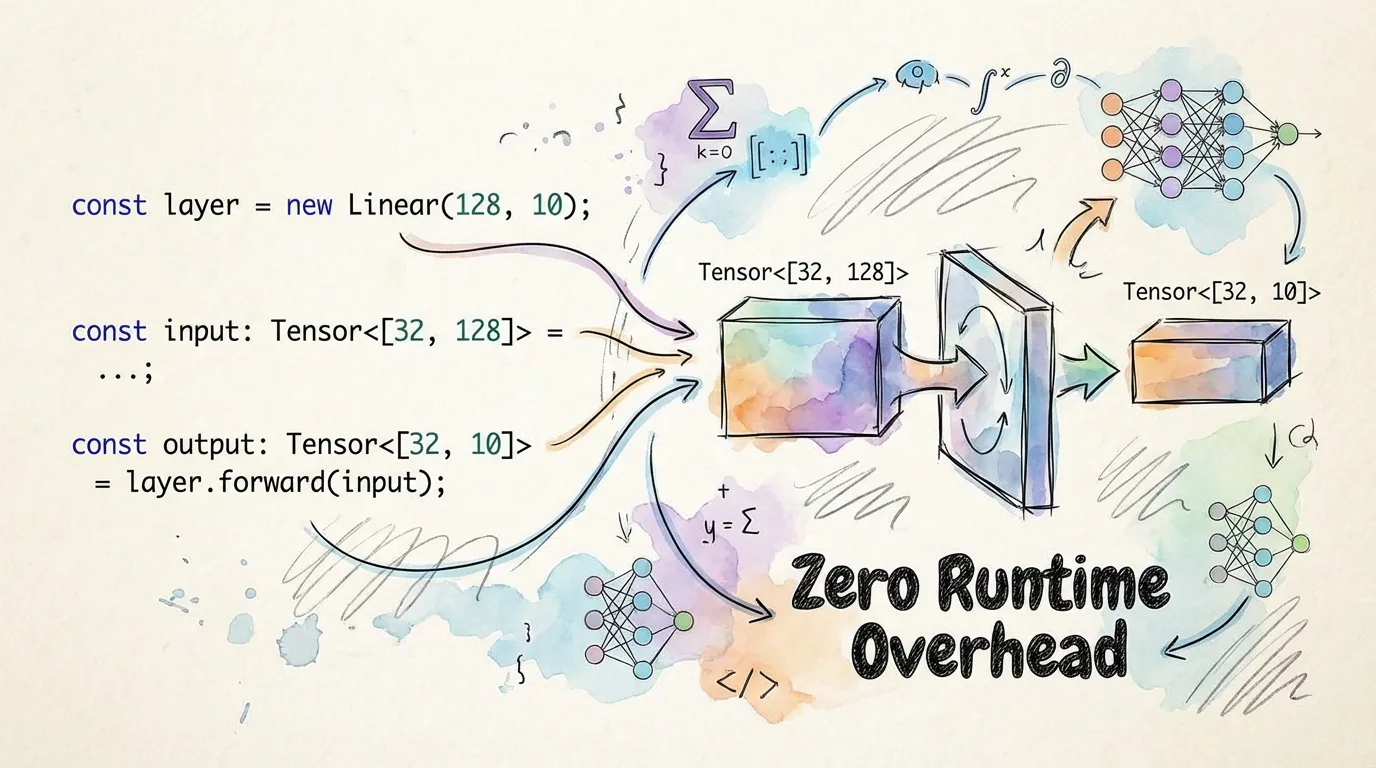
Static vs. Dynamic Shapes
In torch.js, a tensor's type includes its dimensions. We differentiate between Static Shapes (known at compile time) and Dynamic Shapes (known only at runtime).
| Feature | Static Shape | Dynamic Shape |
|---|---|---|
| Type | Tensor<[32, 128]> | Tensor<number[]> |
| Validation | Compile-time (Strict) | Runtime-only |
| IDE Feedback | Red squiggles for errors | Generic completion |
| Example | torch.zeros(2, 3) | torch.randn(...dims) |
How it Works: Shape Inference
When you call a creation function with literal numbers, torch.js automatically infers the precise tuple type.
import torch from '@torchjsorg/torch.js';

const a = torch.zeros(2, 3); // Inferred as Tensor<[2, 3]>;
const b = torch.randn(1, 10, 5); // Inferred as Tensor<[1, 10, 5]>;

// Operations preserve and transform these types
const c = a.t(); // TypeScript knows this is Tensor<[3, 2]>;
const d = torch.matmul(a, b.at(0)); // TypeScript knows this is Tensor<[2, 5]>;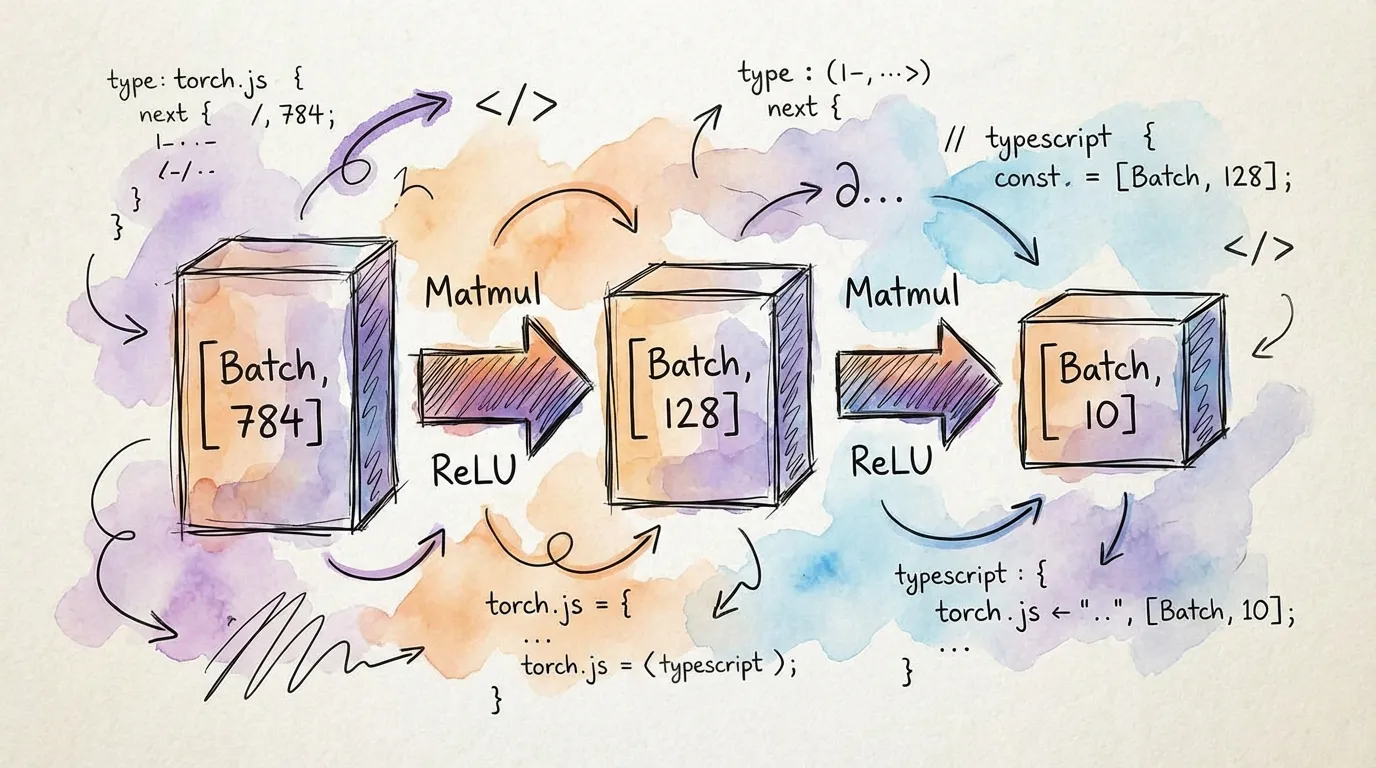
Catching Errors Early
Here are common ML bugs that torch.js prevents before you ever hit "Run".
1. Matrix Multiplication Mismatch
The inner dimensions of two matrices must match ([M, K] @ [K, N]).
const x = torch.zeros(2, 3);
const y = torch.zeros(5, 4);

const z = torch.matmul(x, y);
//        ^^^^^^^^^^^^^^^^^^
// Error: matmul_error_inner_dimensions_do_not_match<3, 5, [2,3], [5,4]>;
2. Invalid Reshaping
The total number of elements must remain constant.
const m = torch.zeros(2, 3); // 6 elements;
const n = m.reshape(4, 4); // 16 elements;
//        ^^^^^^^^^^^^^^^^
// Error: reshape_error_total_elements_mismatch<6, 16>;
3. Slicing Out of Bounds
Accessing an index that doesn't exist.
const t = torch.zeros(5);
const val = t.at(10);
//            ^^^^^
// Error: at_error_index_out_of_bounds<10, 5>;
Branded Error Types: We use a technique called "branding" to ensure that when a shape mismatch
occurs, the error message in your IDE specifically names the dimensions that failed, rather than
just showing never.
Advanced Usage: Generics
You can write generic functions that work with any shape while still maintaining strict relationships between them.
// A generic linear layer function
function linear<B extends number, I extends number, O extends number>(
  input: Tensor<[B, I]>,
  weights: Tensor<[O, I]>,
  bias: Tensor<[O]>
): Tensor<[B, O]> {
  return input.matmul(weights.t()).add(bias);
}

const input = torch.randn(32, 784); // [32, 784];
const w = torch.randn(128, 784); // [128, 784];
const b = torch.randn(128); // [128];

const output = linear(input, w, b); // TypeScript knows Result is [32, 128];
Pro Tip: If you ever need to "escape" the type system for dynamic data, you can cast to Tensor<any> or Tensor<number[]>, but try to keep your shapes static as long as possible!
Next Steps
- Einsum - Compile-time parsing of Einstein notation.
- Einops - Type-safe tensor rearrangements.
- Tensor Indexing - Slicing with compile-time shape preservation.