

Spark
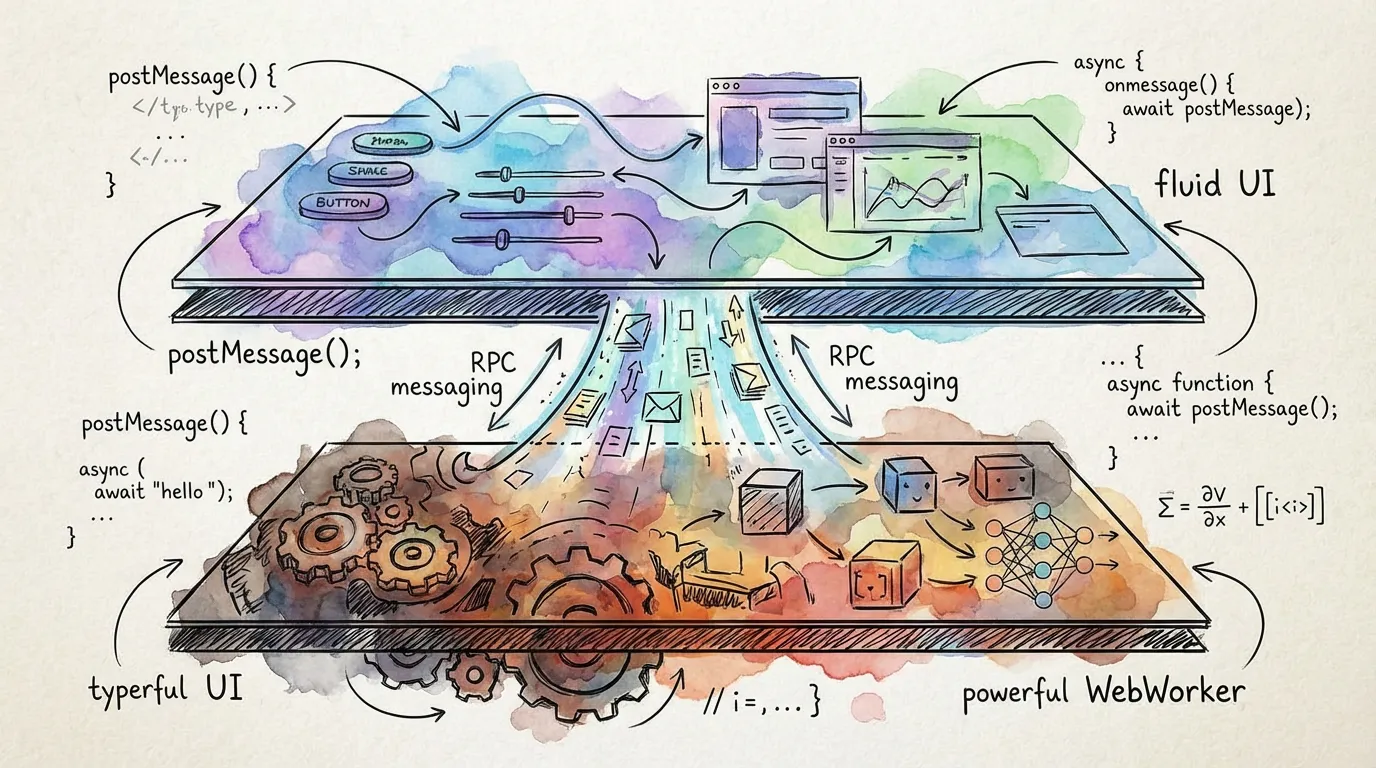
Spark is the web platform layer for torch.js. It provides a high-performance runtime for training models in background threads while maintaining a smooth, responsive user interface.
Key Capabilities
- Web Worker Runtime: Run heavy tensor computations in a background thread to prevent UI freezing.
- Reactive Bindings: Automatically sync state between your background training and React UI.
- Hot Reload: Edit your model or training logic in real-time without losing trained weights.
- Integrated File I/O: Direct access to model hosting and dataset storage on
torchjs.org.
How It Works
Spark splits your application into two distinct parts that communicate over a high-speed RPC bridge.
The Worker Function
This is where your torch.js code lives. It has access to the full GPU-accelerated API.
function torch() {
  // Model weights persist even if you change the code below
  const model = spark.persist('model', () =>
    nn.Sequential(nn.Linear(784, 128), nn.ReLU(), nn.Linear(128, 10))
  );

  const state = spark.persist('state', () => ({ loss: 0 }));

  async function train() {
    for (let i = 0; i < 1000; i++) {
      await spark.checkpoint(); // Yield for pause/stop/hot-reload;
      const loss = trainStep();
      state.loss = await loss.item(); // Updates the UI automatically;
    }
  }

  spark.expose({ train, state });
}
The React UI
Your frontend uses the spark.use() hook to connect to the worker and control the training process.
function App() {
  const s = spark.use(torch);

  return (
    <div>
      <button onClick={() => s.train()}>Start Training</button>
      <div className="text-xl">Current Loss: {s.state.loss.value}</div>
    </div>
  );
}
Why Spark?
Training neural networks is computationally intensive. If you run a training loop directly in the main thread of a browser, the entire page will stop responding to user input (clicks, scrolls, animations).
Spark handles the complexity of managing Web Workers, serializing data, and yielding control, allowing you to focus on the machine learning logic.
Next Steps
- Quick Start - Build your first reactive training app.
- Worker API - Deep dive into persistence and checkpoints.
- Client API - Master the Spark React hooks.
- File I/O - Loading and saving models from the cloud.