

Viz
The @torchjsorg/viz package is the high-performance rendering core of the torch.js ecosystem. It provides low-level WebGPU primitives for drawing and analyzing tensors at 60fps.
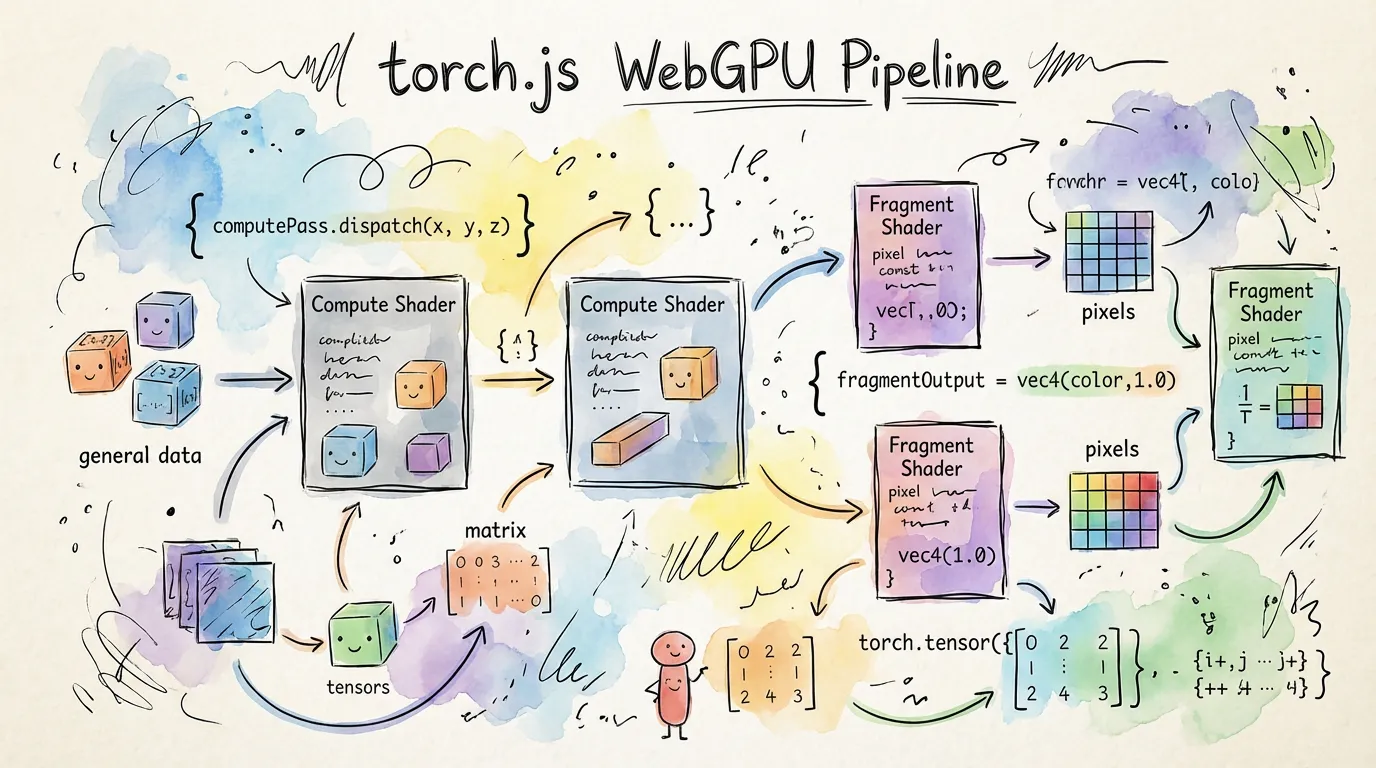
Explore all renderers: Browse the Renderer Gallery to see visual previews of every WebGPU renderer available in the package.
Why use Viz directly?
While react-ui is easier for most apps, you should use viz directly if:
- You are building a non-React application.
- You need to build a custom rendering pipeline not covered by standard components.
- You want to manage your own WebGPU canvas lifecycle.
Installation
npm install @torchjsorg/vizBasic Usage
import { HeatmapRenderer } from '@torchjsorg/viz';

// Zero-copy rendering from GPU to Canvas
const renderer = new HeatmapRenderer(canvasElement);
renderer.render(myTensor);
Renderer Gallery
See all renderers at a glance with visual previews:
Next Steps
- Renderer Gallery - Browse all renderers with visual previews.
- Renderers Guide - Detailed guide on available rendering classes.
- Analysis Guide - GPU-accelerated PCA, t-SNE, and statistics.