

torch-node
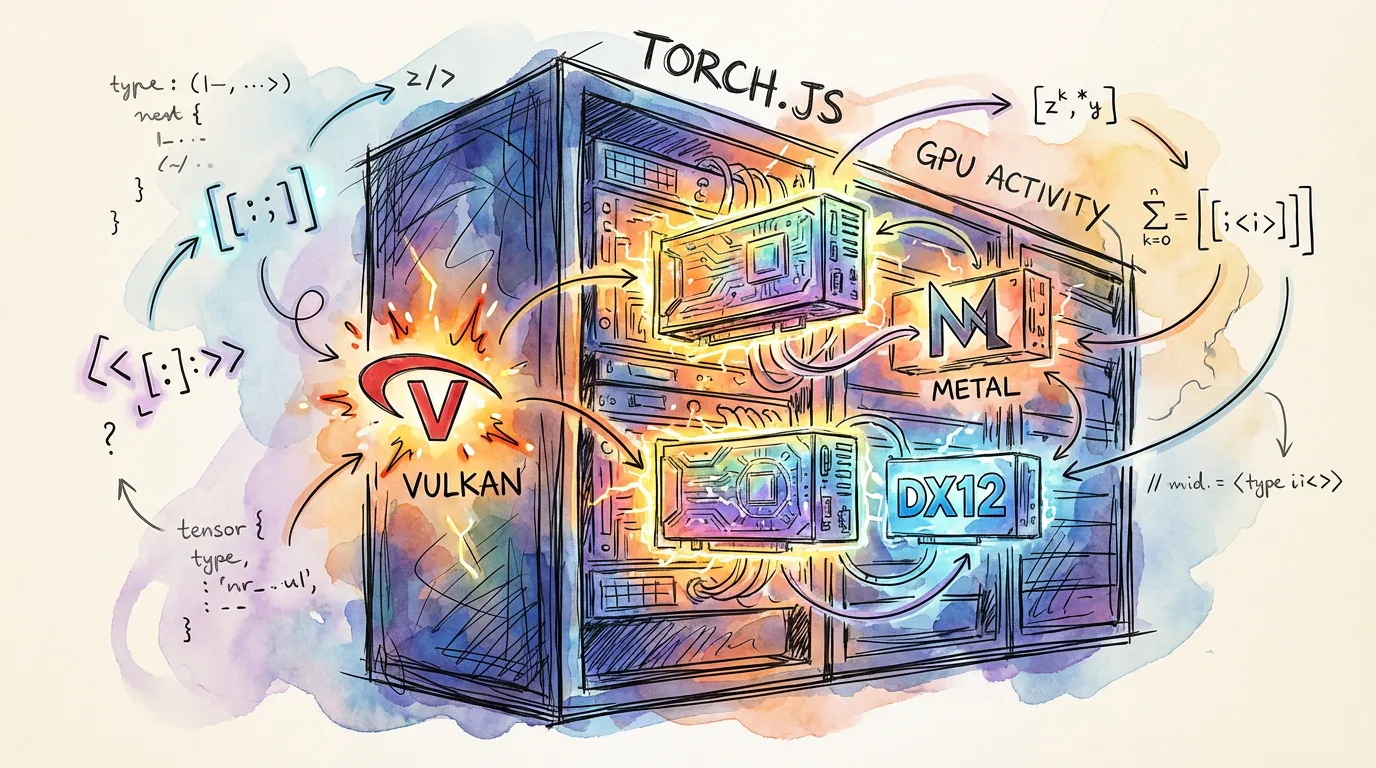
torch-node brings the power of torch.js to server-side applications. It provides the same PyTorch-compatible API as the browser package, but utilizes native GPU drivers (Vulkan, Metal, or DX12) via the high-performance wgpu-native library.
Key Features
- Universal API: Use the exact same model code on both the server and the browser.
- Direct Hardware Access: Bypasses the browser's WebGPU abstraction for lower latency and better resource control.
- Filesystem Integration: Load large datasets and save model weights directly to the local disk.
- Headless Training: Perfect for background jobs, microservices, and CI/CD pipelines.
Installation
npm install @torchjsorg/torch-nodeBasic Usage
import torch from '@torchjsorg/torch-node';
import fs from 'fs/promises';

async function main() {
  const model = createModel();

  // Node-specific: direct file access
  const data = await fs.readFile('data.bin');
  const input = torch.tensor(new Float32Array(data.buffer));

  const output = model.forward(input);
  console.log(output.toString());
}