

Testing in torch-node
Testing your machine learning models is essential for ensuring correctness and reproducibility. torch-node provides a seamless environment for running high-speed unit tests directly on your server's GPU.
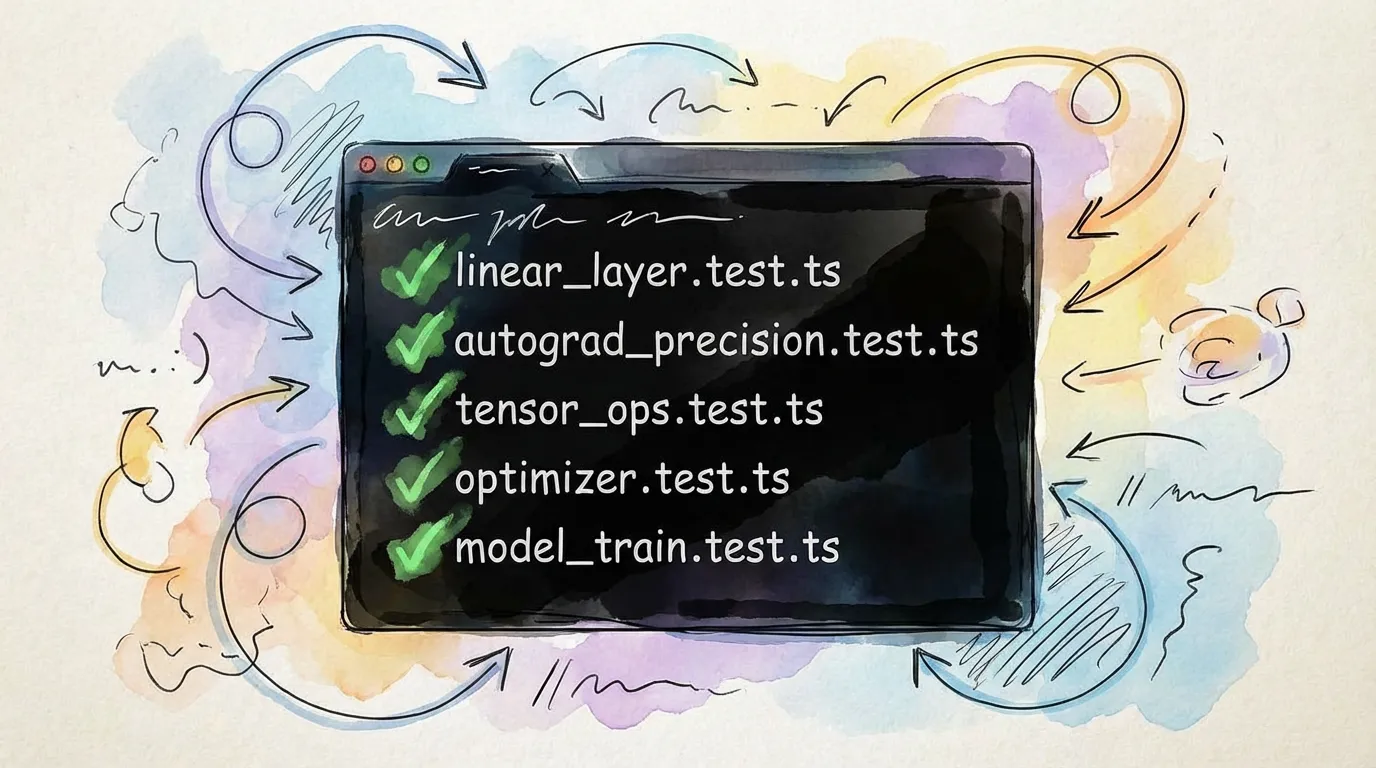
Why Test in Node.js?
- Speed: Bypassing the browser allows for faster test startup and execution.
- Hardware Parity: Run your tests on the same hardware (Vulkan/Metal) where your production inference will occur.
- CI/CD Integration: Easily run your full test suite in headless environments.
Running Tests
We recommend using Vitest or Jest for testing torch.js models.
import { test, expect } from 'vitest';
import torch from '@torchjsorg/torch-node';

test('Linear layer output shape', () => {
  const layer = torch.nn.Linear(784, 128);
  const input = torch.randn(32, 784);
  const output = layer.forward(input);

  expect(output.shape).toEqual([32, 128]);
});
Next Steps
- Backends - Configuring your test environment.