

Interactive Inputs
To build truly interactive AI apps, you need ways to provide data to your models. react-ui includes specialized input components that bridge standard web inputs with tensor data formats.
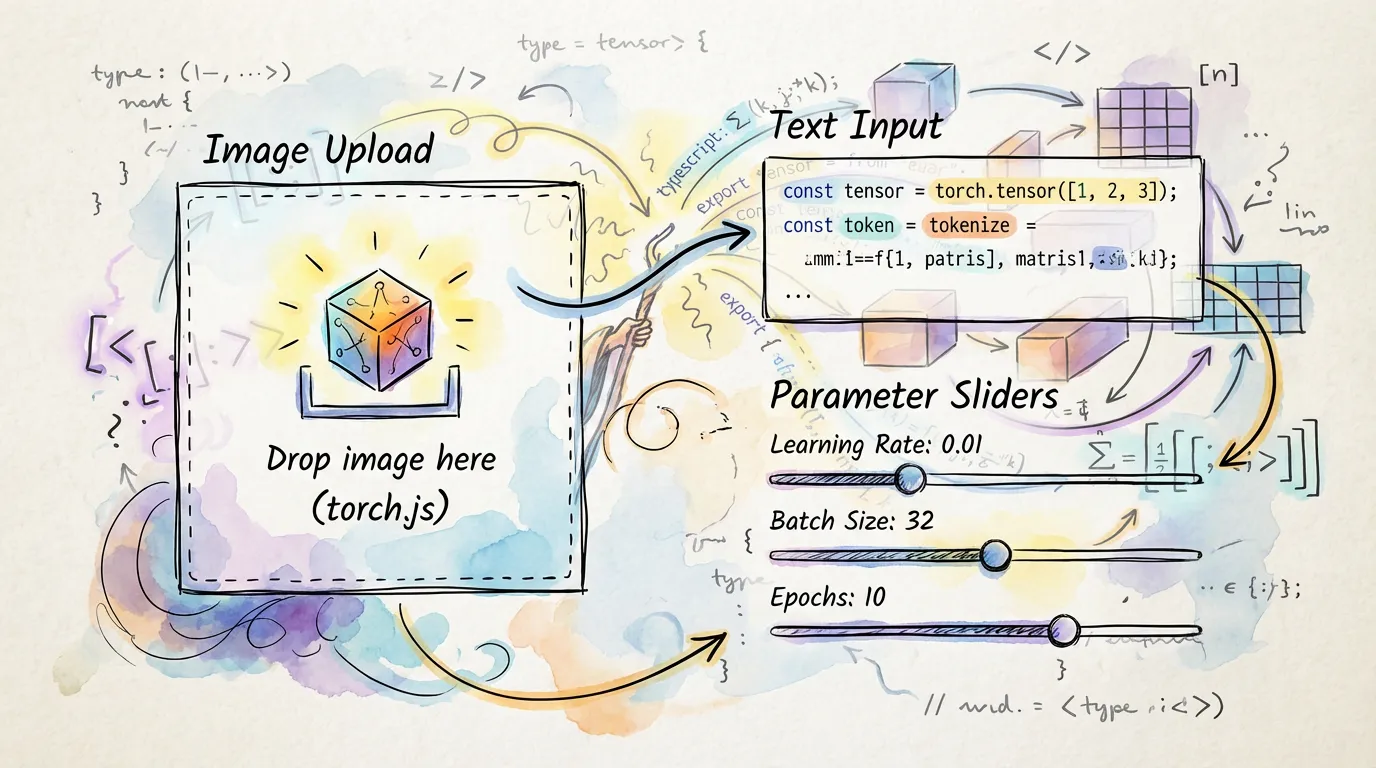
Image Input
The ImageInput component handles file uploads, URLs, and direct camera access, automatically converting the result to a format suitable for torch.js.
import { ImageInput } from '@torchjsorg/react-ui';

function MyModel() {
  const handleImage = async (image: HTMLImageElement) => {
    // Process image into a tensor...
  };

  return (
    <ImageInput onChange={handleImage} width={224} height={224} modes={['upload', 'camera']} />
  );
}
Text and Tokens
For Natural Language Processing (NLP), the TextInput component provides real-time tokenization previews.
import { TextInput } from '@torchjsorg/react-ui';

<TextInput
  placeholder="Enter prompt here..."
  onTokenize={(tokens) => console.log(tokens)}
  showTokenCount={true}
/>;
Controlling Hyperparameters
Use the Param group of components to adjust model behavior in real-time. These are ideal for exploring generative models or tuning training parameters.
| Component | Ideal For |
|---|---|
| ParamSlider | Continuous values (Learning Rate, Temperature) |
| ParamSelect | Discrete choices (Optimizer, Activation type) |
| ParamCheckbox | Boolean flags (Use Bias, Dropout enabled) |
<ParamSlider label="Creativity (Temperature)" value={0.7} min={0} max={2} step={0.1} />Next Steps
- Visualizing Tensors - Show the results of your model's inference.
- Training Dashboards - Using inputs to control your training loop.