

React UI
The @torchjsorg/react-ui package provides a rich set of React components designed specifically for building interactive machine learning applications. From real-time training dashboards to advanced 3D embedding viewers, these components bridge the gap between low-level tensor operations and user-facing interfaces.
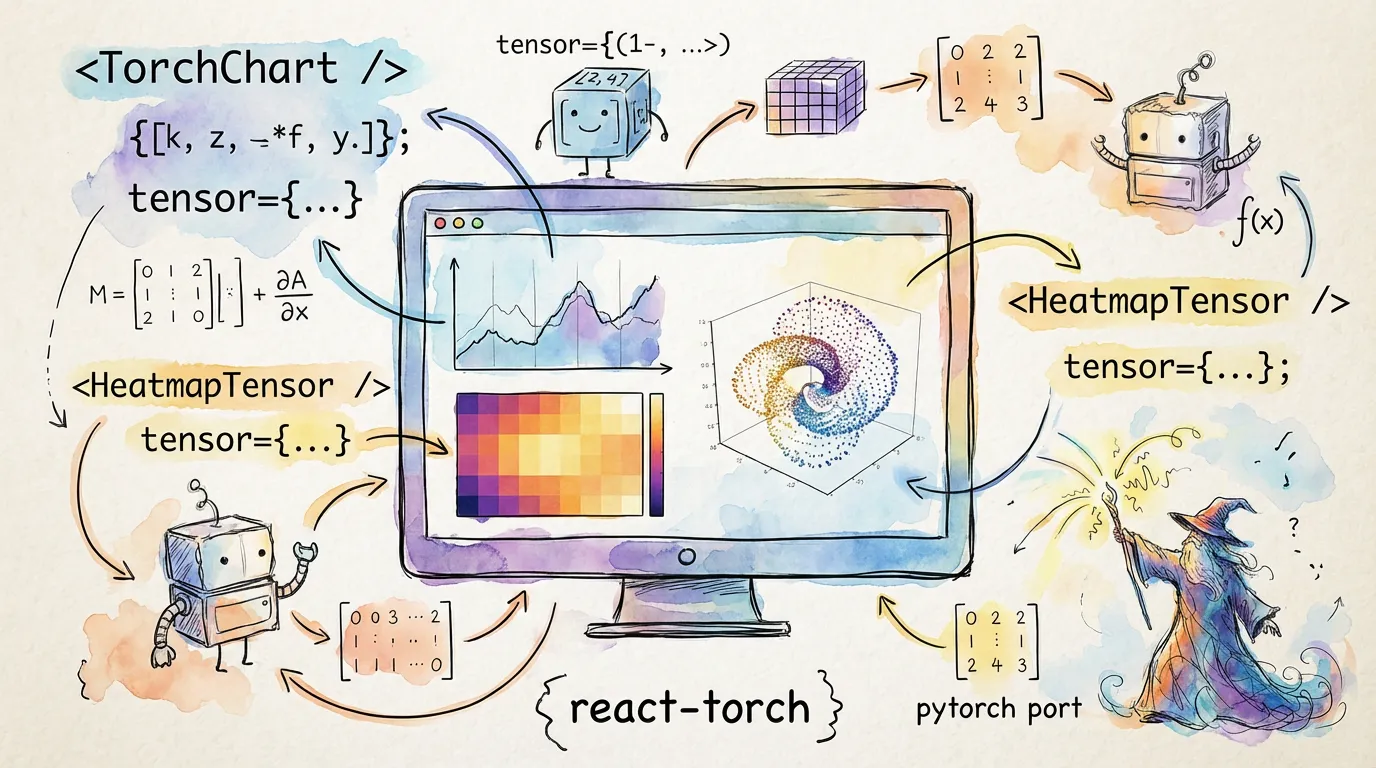
Want to see all 50+ components? Browse the Component Gallery to see live previews of every component, or explore the interactive Storybook for full documentation and code examples.
Core Philosophy
Most react-ui components are designed to work directly with torch.js tensors. A significant portion of the library is WebGPU-native, meaning data can flow from your model to the screen without ever leaving GPU memory, enabling 60fps visualizations of massive datasets.
Installation
npm install @torchjsorg/torch.js @torchjsorg/react-ui
# or
pnpm add @torchjsorg/torch.js @torchjsorg/react-ui
Quick Start
Visualizing a tensor is as simple as passing it to the TensorViewer component.
import { TensorViewer } from '@torchjsorg/react-ui';
import torch from '@torchjsorg/torch.js';

function App() {
  const data = torch.randn([16, 16]);

  return (
    <div className="h-64 w-64">
      <TensorViewer data={data} colorScale="viridis" />
    </div>
  );
}
Component Categories
| Category | Key Components | Best For |
|---|---|---|
| Training | GPUStreamingChart, TrainingControls | Real-time monitoring |
| Visualization | TensorViewer, AttentionViewer | Model interpretability |
| Input | ImageInput, ImageEditor, TextInput | Data collection & editing |
| Analysis | ConfusionMatrix, ROCPRCurve | Model evaluation |
GPU-Accelerated Components
Components prefixed with GPU (e.g., GPUHeatmap, GPUPointCloud) utilize the high-performance @torchjsorg/viz backend. These components are designed for high-frequency updates and large-scale data.
Zero-Copy Rendering: GPU components can render tensors directly from WebGPU buffers. This avoids the expensive GPU-to-CPU readback stall, which is crucial for maintaining performance during active training.
Component Gallery
See all components at a glance with live previews:
Storybook
We maintain an interactive Storybook containing live demos and code snippets for every component in the library.
Browse all components at ui.torchjs.org
Next Steps
- Component Gallery - Browse all components with live previews.
- Training Dashboards - Build real-time monitoring tools.
- Visualizing Tensors - Deep dive into interpretability components.
- GPU Acceleration - Understanding zero-copy rendering.
- Theming - Customizing the look and feel.