

Visualizing Tensors
Deep learning models are often "black boxes." react-ui provides high-level components to peer inside your models and understand their internal state.
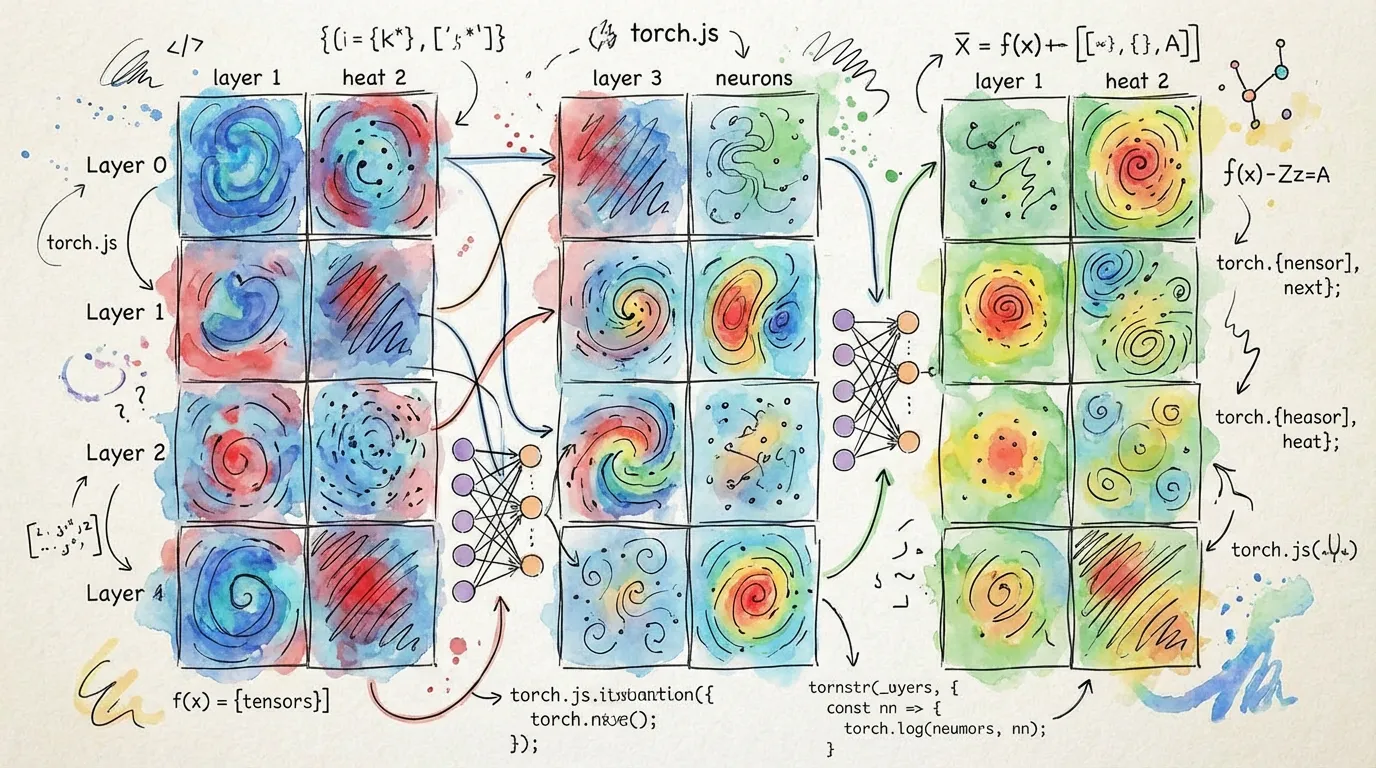
General Purpose: TensorViewer
The TensorViewer is the standard tool for inspecting any tensor. It automatically handles high-dimensional data by providing slicing controls.
import { TensorViewer } from '@torchjsorg/react-ui';

// Renders a heatmap of the tensor
<TensorViewer data={activations} colorScale="magma" showValues={false} />;
Transformer Interpretability: AttentionViewer
Specifically designed for Transformer architectures, this component visualizes the relationship between tokens.
import { AttentionViewer } from '@torchjsorg/react-ui';

<AttentionViewer
  tensor={attentionWeights} // [Heads, Seq, Seq]
  tokens={['[CLS]', 'the', 'cat', 'sat', '[SEP]']}
  activeHead={0}
/>;
Classification: SoftmaxHeatmap
Visualizes probability distributions from model outputs.
import { SoftmaxHeatmap } from '@torchjsorg/react-ui';

<SoftmaxHeatmap data={logits} labels={['Dog', 'Cat', 'Bird', 'Fish']} orientation="horizontal" />;
Comparison of Visualization Components
| Component | Target Data | Visualization Type |
|---|---|---|
| TensorViewer | Any Tensor | 2D Heatmap / Grid |
| AttentionViewer | Attention Weights | Connection Graph |
| GpuPointCloud | Embeddings | 3D Interactive Space |
| GpuHistogram | Weights / Grads | Frequency Distribution |
Advanced: HeatmapOverlay
For computer vision tasks, use HeatmapOverlay to project saliency maps or Class Activation Maps (CAM) directly onto input images.
<HeatmapOverlay imageSrc="/input.jpg" heatmap={saliencyTensor} opacity={0.6} />Next Steps
- GPU Acceleration - Learn about rendering large tensors efficiently.
- Interactive Inputs - How to provide data to your models.